 login
login




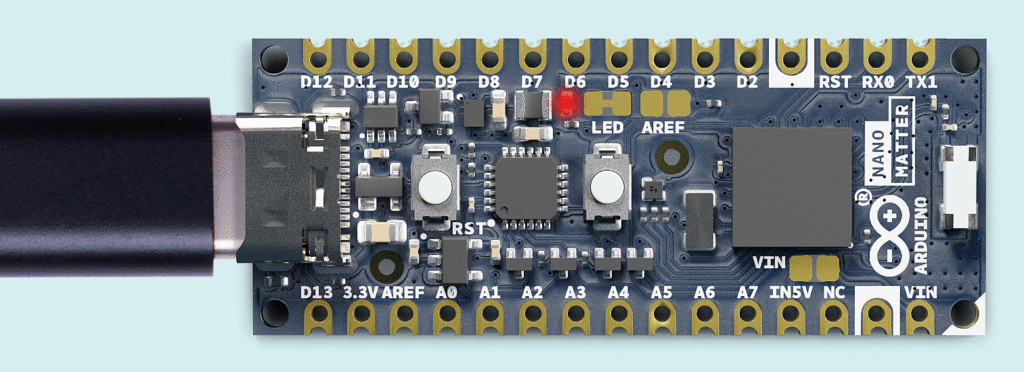
Arduino’s Upcoming Cortex M33 Powered Arduino Nano Matter Board is Made in Collaboration with Silicon Labs
Arduino has just announced their new Arduino Nano Matter Board, powered by a SiLabs MGM240SD22VNA MPU. The MPU features a 32-bit Arm Cortex-M33 core with DSP and FPU, enhancing its performance. The board supports various connectivity options, including Matter, OpenThread, BLE, and...
Continue Reading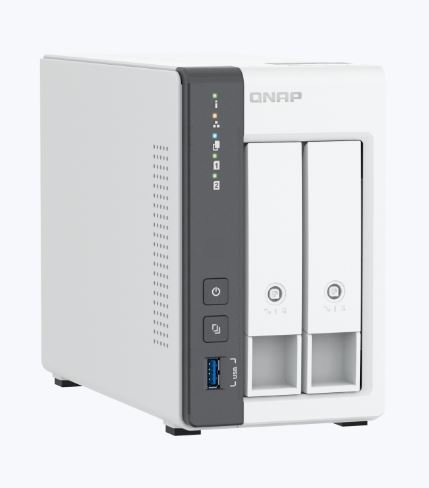
QNAP TS-216G NAS is Equipped with 2.5GbE Ethernet and Hot-Swap Functionality
The QNAP TS-216G NAS, by QNAP Systems, Inc., features both a GbE port and a 2.5GbE port with hot-swap functionality. It promises efficient data management and enhanced reliability. The NAS is built around a 64-bit Arm quad-core processor, with 4 GB RAM and an NPU for AI tasks. The...
Continue Reading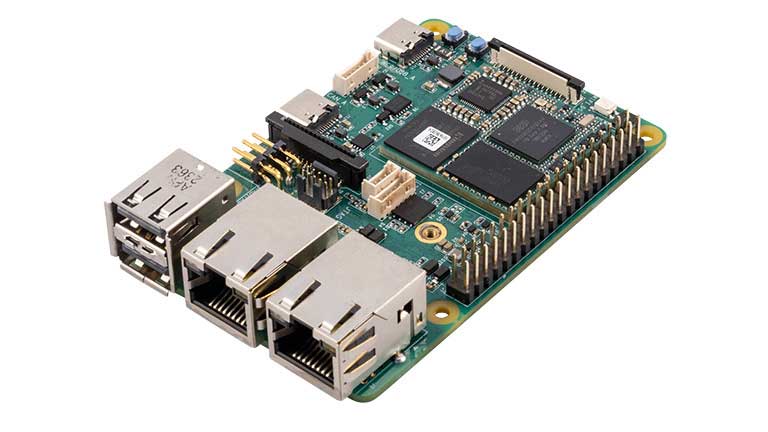
Avnet MaaXBoard OSM93 Development Kit Features NXP i.MX 93 SoC for Edge AI Applications
Avnet MaaXBoard OSM93 is a NXP i.MX 93 Cortex-M55/M33 AI SoC powered SBC in a Raspberry Pi from factor. The SBC is built around a Size-S OSM module and supports different Raspberry Pi HATs. This SBC is equipped with 2GB LDDR4 and 16GB eMMC flash, and MIPI CSI and DSI interfaces for the...
Continue Reading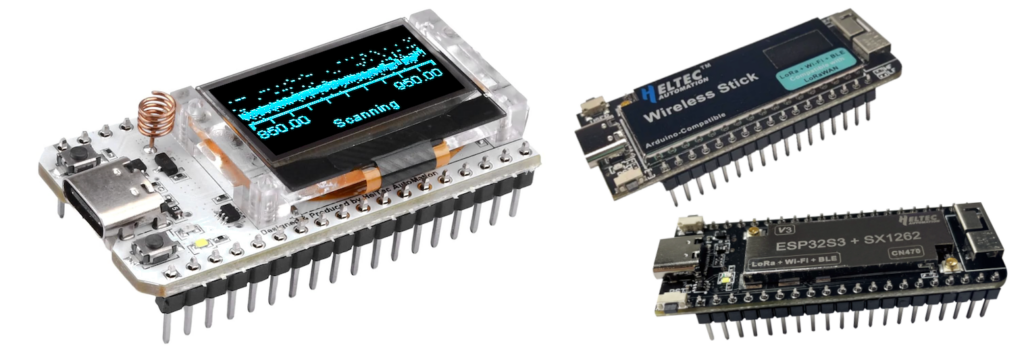
Heltec ESP32 LoRa V3 Dev Board Gets an Open-Sourced Library Thanks to Rop Gonggrijp
Developer Rop Gonggrijp has developed an "unofficial library" specifically for Heltec Automation's popular development boards based on the Espressif ESP32-S3 chip, addressing the challenges developers face with the original software. According to Heltec documentation, this board is...
Continue Reading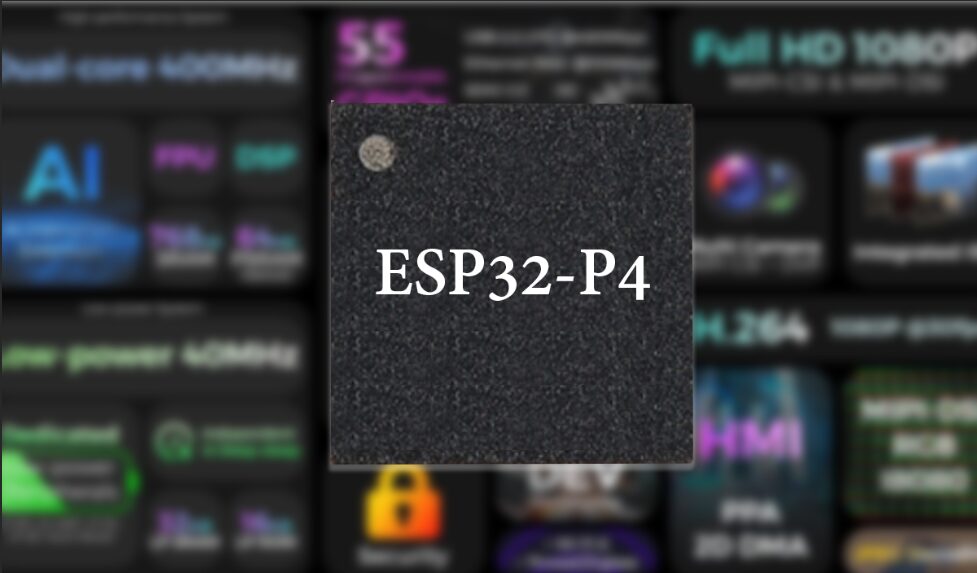
Espressif Announces ESP32-P4 SoC with Dual-Core 400MHz CPU, AI Instructions, HMI, MIPI-CSI, and more
Espressif Systems just announced their latest and greatest module the ESP32-P4. The most interesting thing about this SoC is that it doesn't have a Radio Module built-in, meaning No Wi-Fi or Bluetooth capabilities. Other than that it features a new RISC-V dual-core CPU clock at 400MHz...
Continue Reading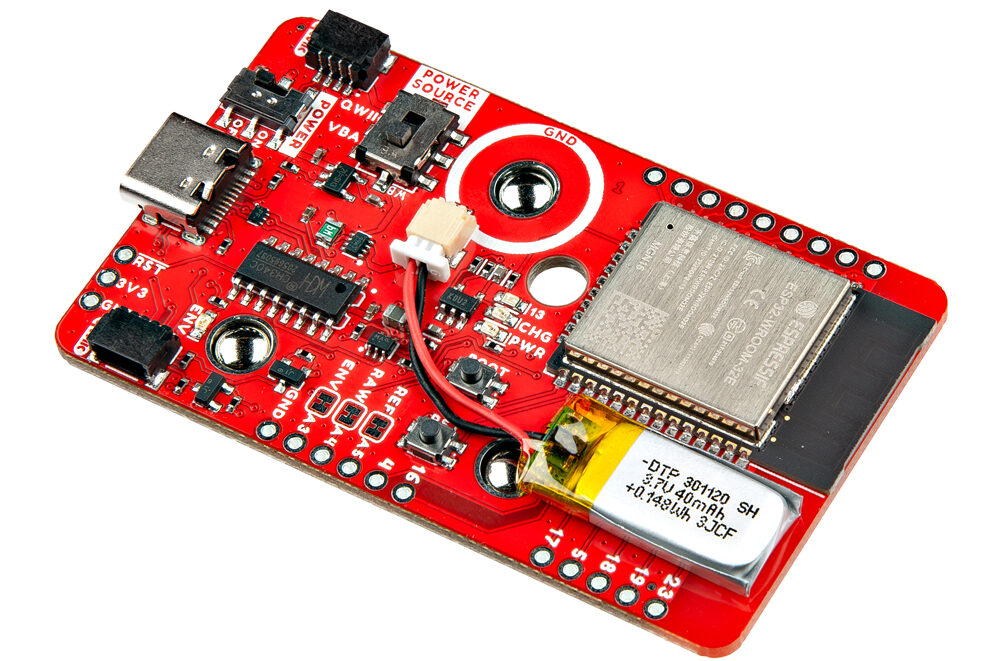
Advanced Muscle Sensing with SparkFun MyoWare 2.0 Wireless Shield Featuring an ESP32-WROOM Module
The SparkFun MyoWare 2.0 Wireless Shield can be called an accessory designed to work seamlessly with the MyoWare 2.0 Muscle Sensor. The module is built around an ESP32-WROOM module and houses a built-in 40mAh LiPo battery for wearable applications. Application includes Prosthetics and...
Continue Reading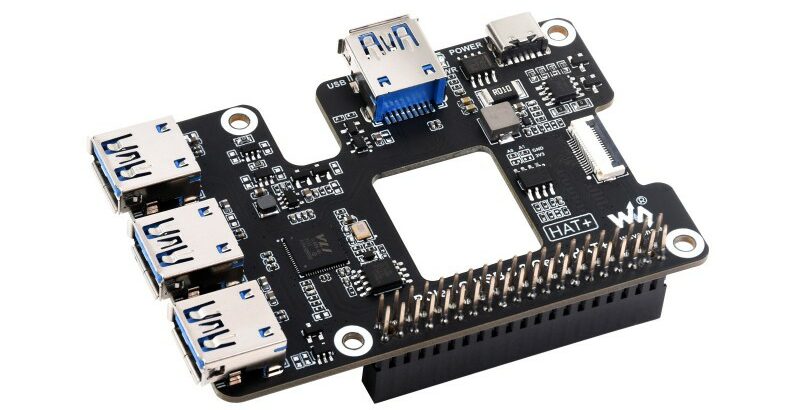
Add four USB 3.2 ports to your Raspberry Pi 5 with the Waveshare PCIe to USB HAT+
The Waveshare PCIe to USB HAT+ is designed to extend the capabilities of the Raspberry Pi 5 or the Rockchip Rock Pi boards by adding four more USB 3.2 high-speed USB ports. The module will also feature real-time power status monitoring and allow USB power management through software....
Continue Reading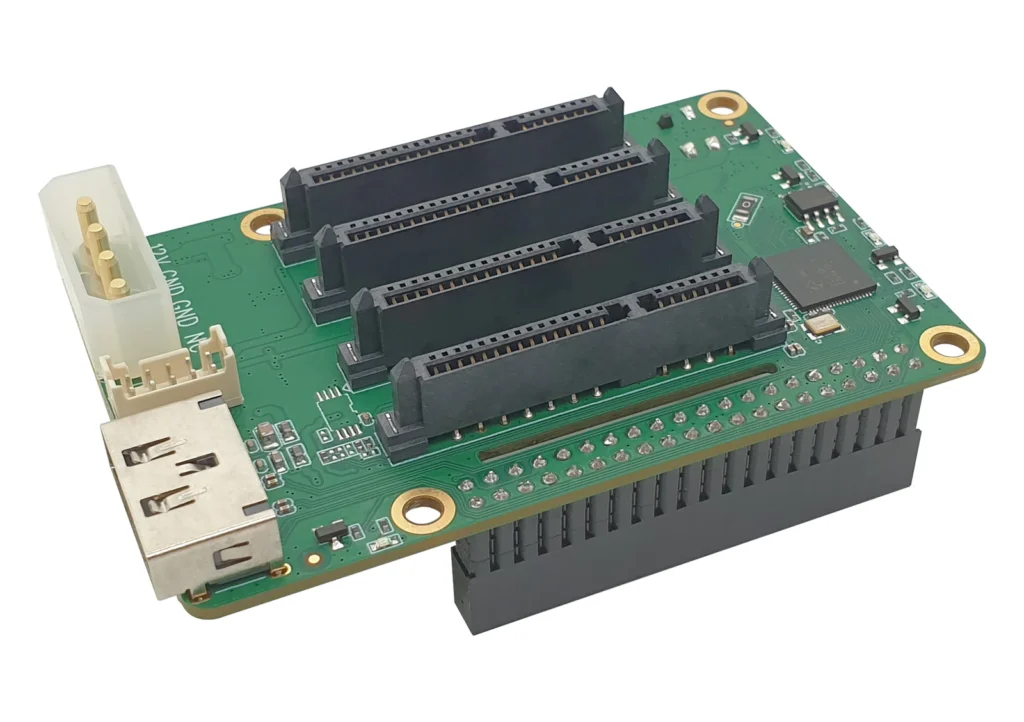
Radxa Penta SATA HAT for RPi and Rock Pi Supports up to 5, 100TB SATA HDD
The Radxa Penta SATA HAT is a NAS board designed for RADXA's Rock Pi and Raspberry Pi, enabling the connection of up to five HDD/SSD drives. This allows for the construction of powerful NAS systems with up to 100TB of storage. The device supports up to five HDD/SSDs, four of which are...
Continue Reading






