Control a knob on a Honeywell fan via ESP8266

StealthRT

Sep 4, 2010
147
Joined
Sep 4, 2010
Messages
147
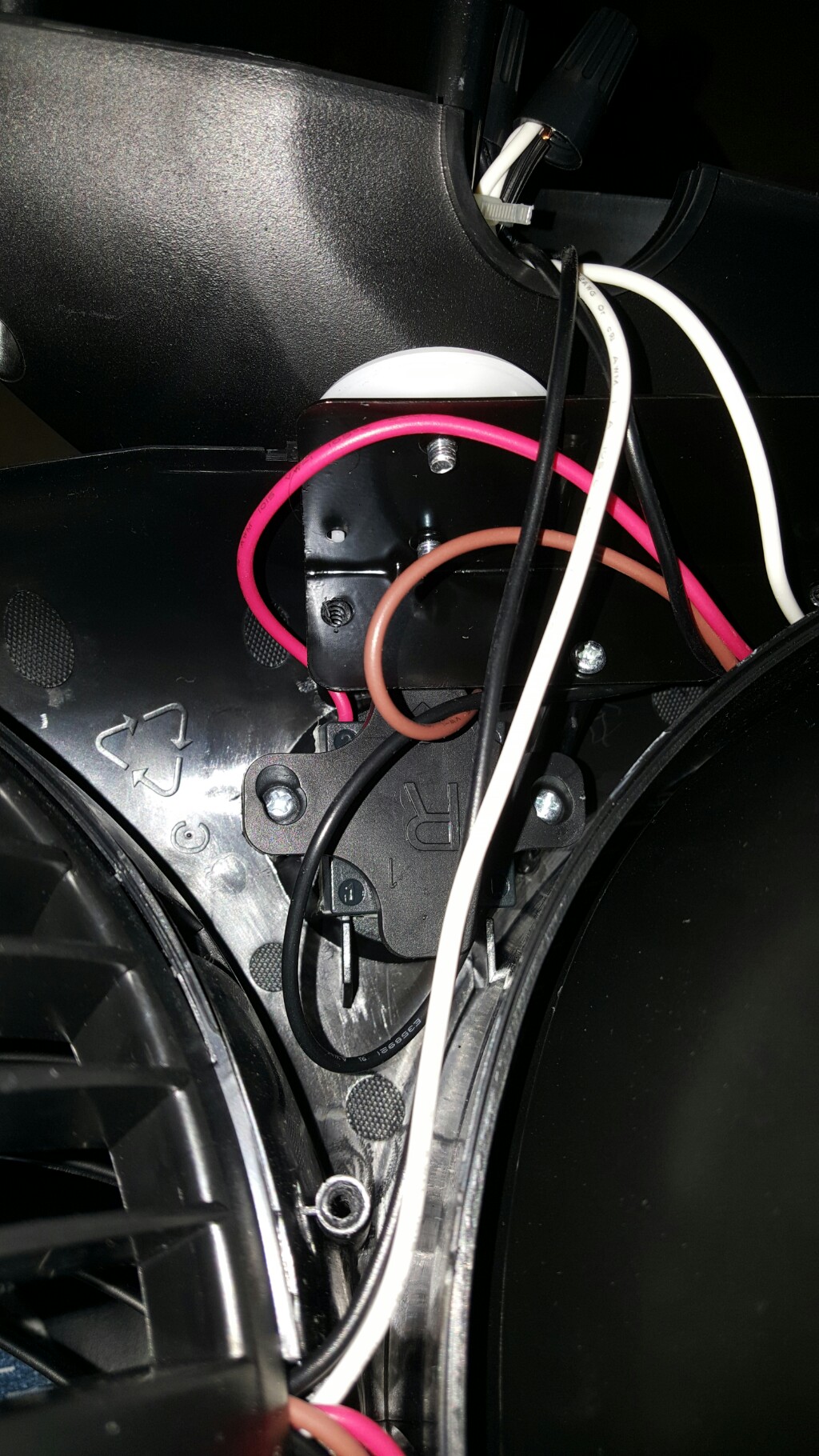
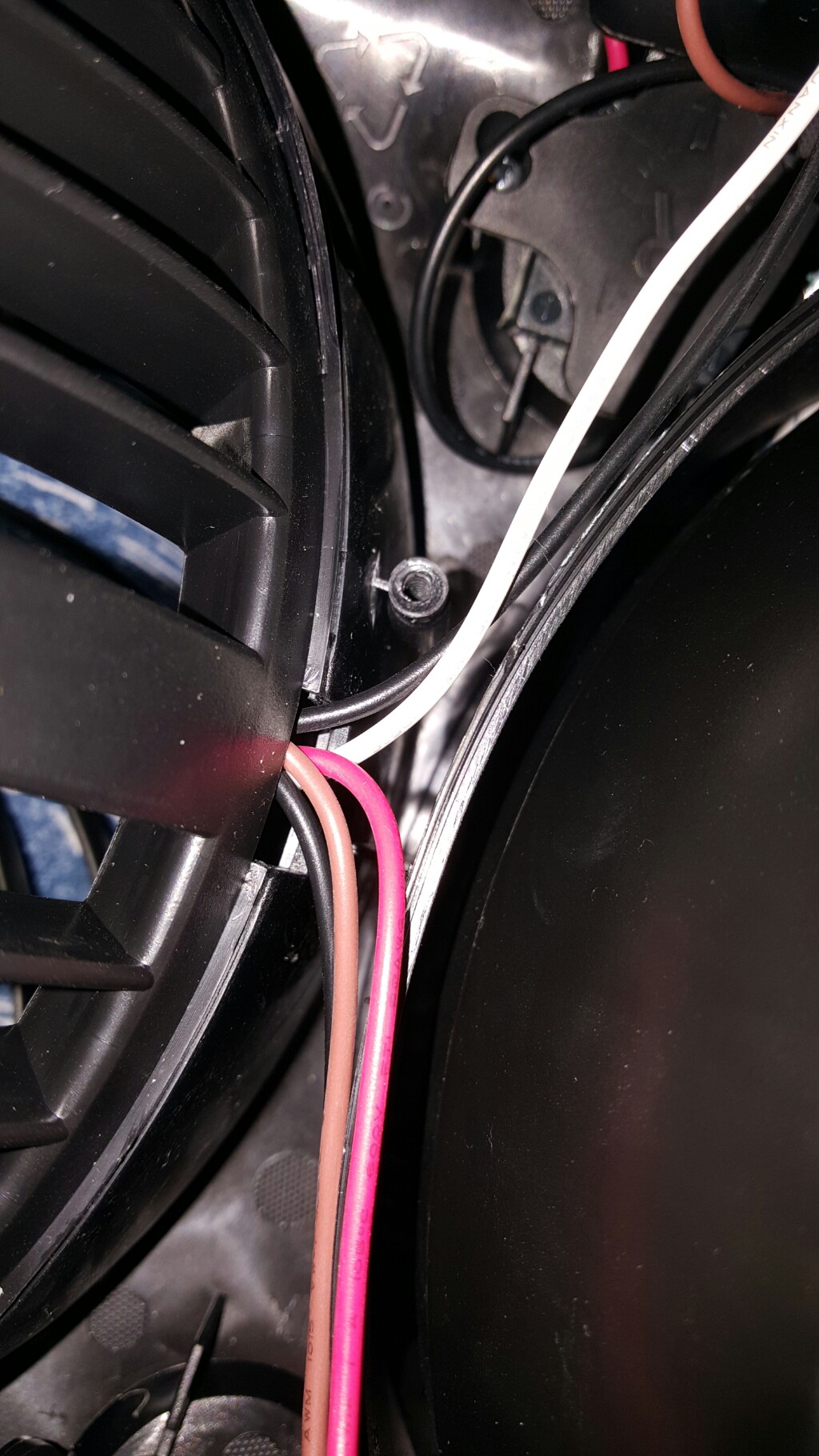
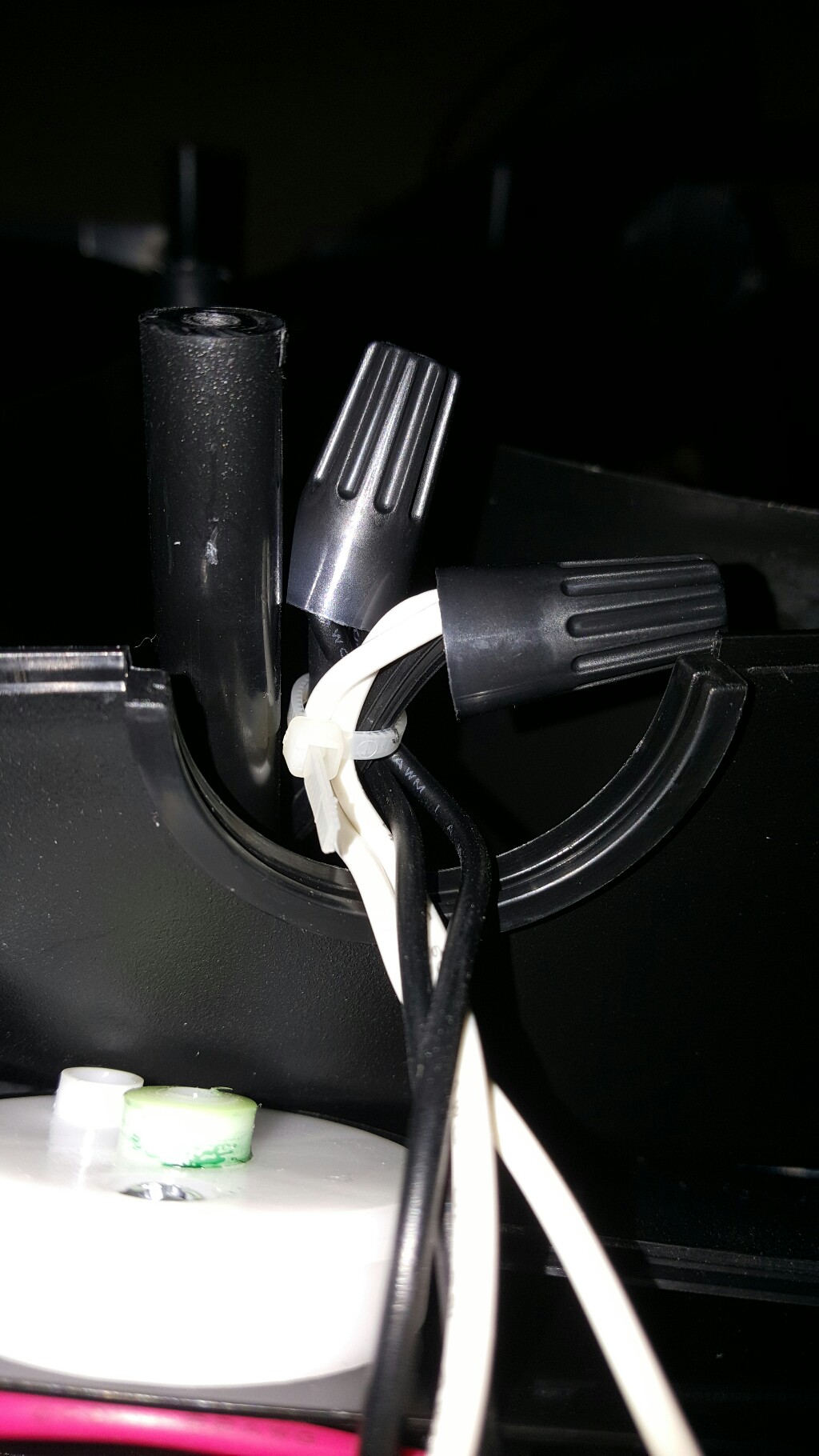
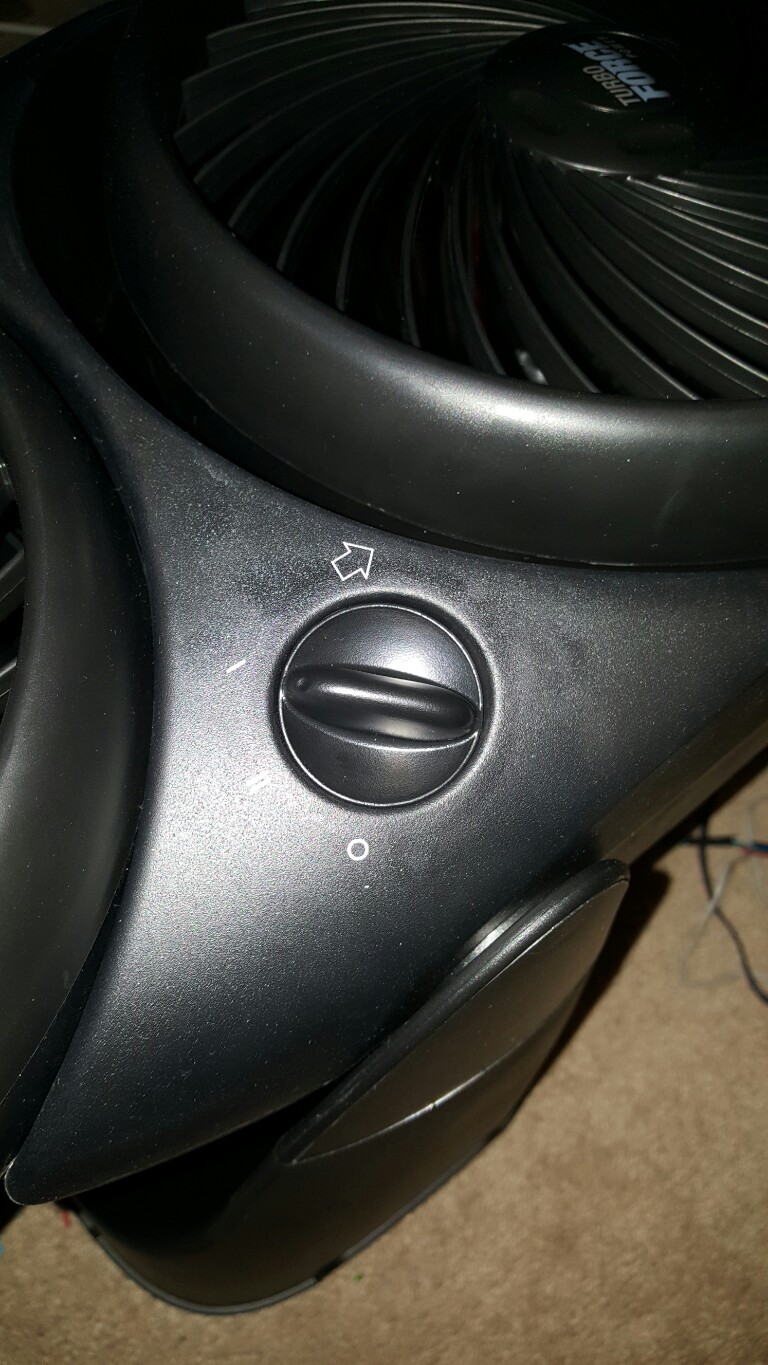
Hey all I am wondering what all I would need in order to control this knob on my Honeywell 2-in 1 Air Circulator Fan, HT-9700
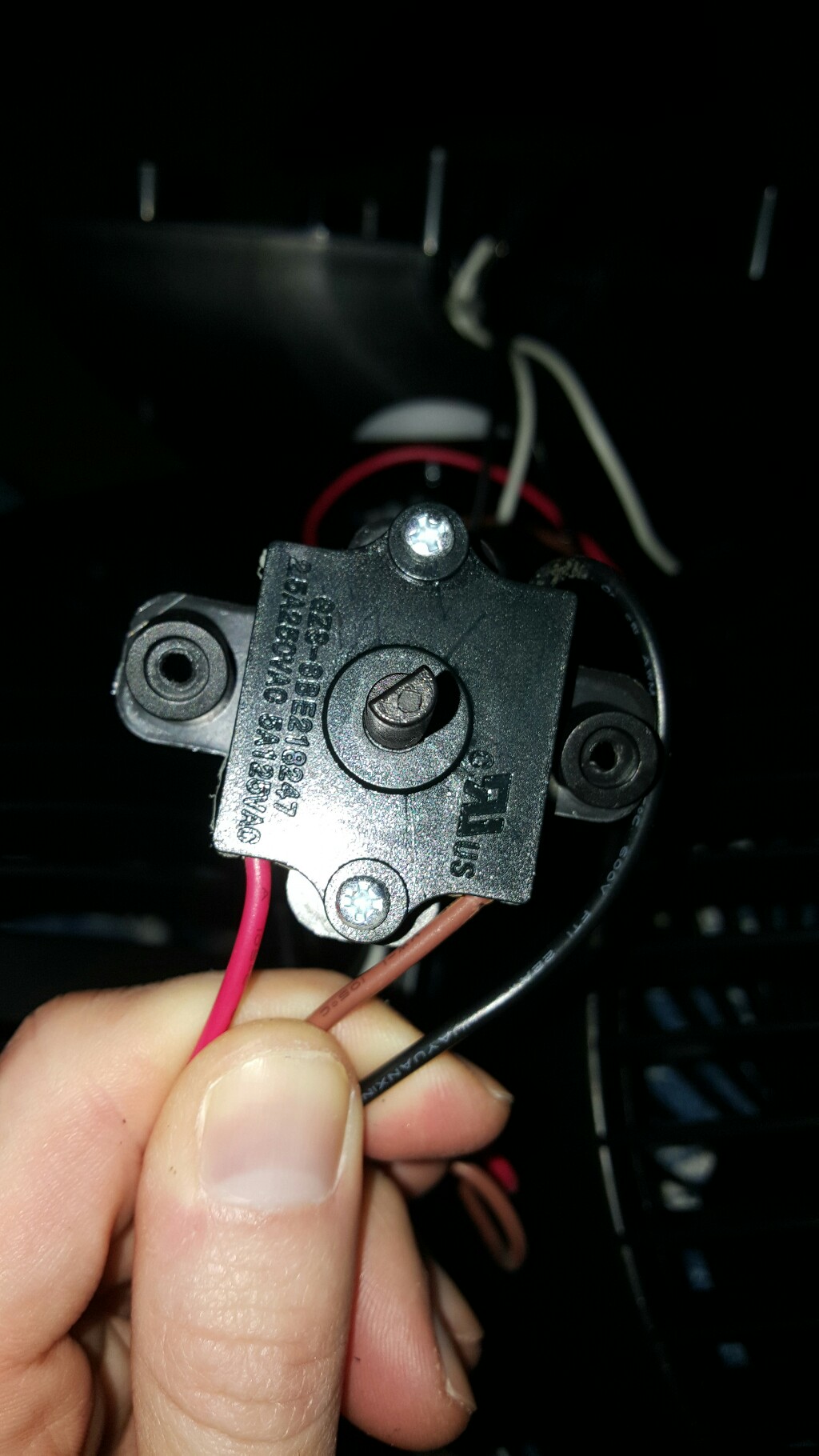
VpByJ.jpg


gEvn2.jpg


QDoeT.jpg


33cis.jpg


EAW4t.jpg


I am wanting to use a ESP8266 in order to control it via wifi. I know how to do it on that side but I am unsure what's available for the other side (the knob) in order to "turn" the knob or hook into the knob wires.
 
Last edited:

Tha fios agaibh

Aug 11, 2014
2,253
Joined
Aug 11, 2014
Messages
2,253
I don't know what the knob does but you need to know how its wired. If you don't have a diagram, you could disconnect the wiring to the switch and make note of how continuity changes with each wire in each position.
Then you could have a relay to replicate the switch movement that's driven by your WiFi module. You will need separate control for each switch position.
Easier yet, just leave the fan switch on and have your module switch the line power to it.
 

StealthRT

Sep 4, 2010
147
Joined
Sep 4, 2010
Messages
147
OK So here it is:

BROWN wire = Low fan speed

RED wire = HIGH fan speed
BLACK wire = HOT

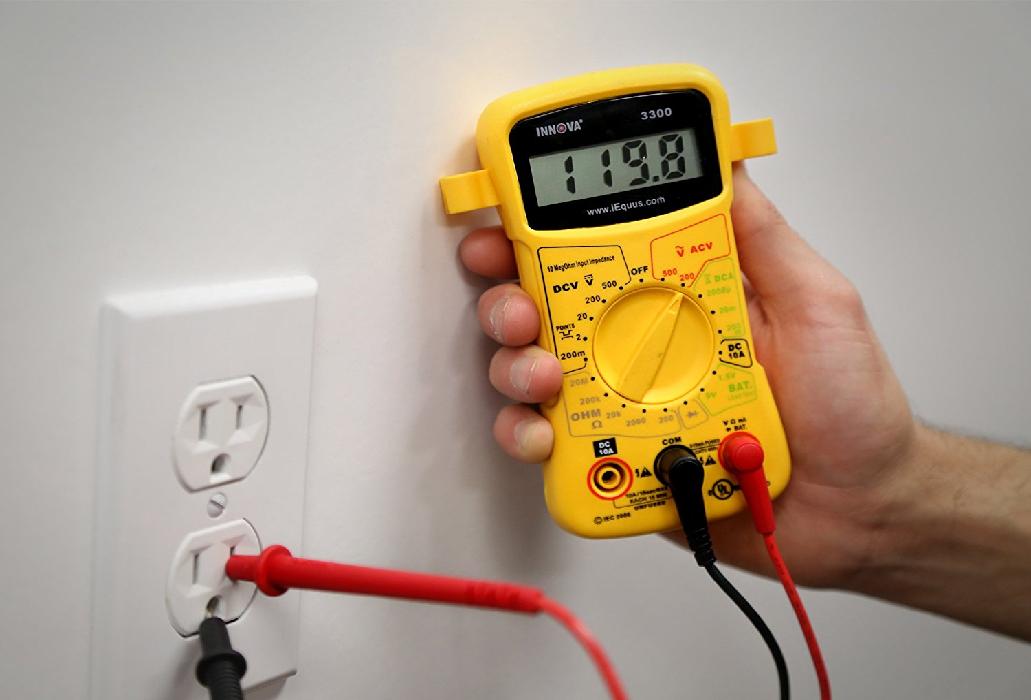
With the black prob on BLACK and the red prob on RED with the fan ON/HIGH I get: 09.9

With the black prob on BLACK and the red prob on BROWN with the fan ON/LOW I get: 00.0
With the black prob on BLACK and the red prob on RED with the fan OFF/OFF I get: 124.4
With the black prob on BLACK and the red prob on BROWN with the fan OFF/OFF I get: 124.4

Note I am using the AC mode on my multi meter that looks like this:
gB1wt.jpg
 

Tha fios agaibh

Aug 11, 2014
2,253
Joined
Aug 11, 2014
Messages
2,253
1487965779863.jpg Something like this if relay contacts can't handle the motor starting current.
If module relays are rated high enough, you can eliminate the extra relays.
 
Last edited:

AnalogEL

Feb 21, 2017
11
Joined
Feb 21, 2017
Messages
11
Something like this might come in handy,,, I did a search on AliExpress which is my favorite site to buy cheap components for my projects (it's basically a Chinese version of eBay). I entered "AC control relay" and got over 2200 results! I made zero effort finding the exact right one, but it seems likely that they sell a SPDT version to control both your wires. And with this one being only ~$4.66 US --delivered--, it seems like a pretty amazing and convenient deal. Other vendors on AliExpress are no doubt even cheaper. If delivery speed is more important to you then local vendors will be better.

https://www.aliexpress.com/item/FRE...otective-Flag-SSR-40DA-40A-DC/2035173599.html
 

Attachments

  • Industrial Solid State Relay.jpg
    Industrial Solid State Relay.jpg
    59.1 KB · Views: 110

Tha fios agaibh

Aug 11, 2014
2,253
Joined
Aug 11, 2014
Messages
2,253
Very cool.
I initially put two relays in because I thought the relay contacts wouldn't be able to handle the current.
With a 10amp rating I'd say your fine.

That'll be one high tech fan you got there!

Btw, It's not a bad idea to add an inline fuse in this circuit in case something was to go wrong.
 

StealthRT

Sep 4, 2010
147
Joined
Sep 4, 2010
Messages
147
I take it that the RED and BROWN wires still need to be connected inside the rotary knob housing in order for this to work?
 

Tha fios agaibh

Aug 11, 2014
2,253
Joined
Aug 11, 2014
Messages
2,253
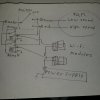
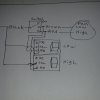
All the fan motor cares is if it has electrical pressure. You could run the Red and Brown from the fan directly to the relay eliminating the switch function. Or have the switch paralleled like my sketch. That way the switch can override the relays.
A note of caution: I don't know if the fan needs only power on the Red wire or both Red and Brown when running high speed.
If the motor is designed to run with only power on the Red wire, it could be a problem if the switch was set on high and your relay feeding brown came on.
Take some measurements with your meter to verify how the motor functions on high.
 

StealthRT

Sep 4, 2010
147
Joined
Sep 4, 2010
Messages
147
when i connect both RED and BROWN to the BLACK and RED probes i get 124.2 but the fan does not run. Taking off ether the RED or BLACK probe and it runs.
 

Tha fios agaibh

Aug 11, 2014
2,253
Joined
Aug 11, 2014
Messages
2,253
Measuring from the incoming White(neutral) wire to the brown wire going to fan, with the fan switch set to high speed. Make note of voltage.
Now, move one probe from the brown wire onto the red wire with switch still set to high.
Make note of this voltage also.
If both brown and red are energized (120v) with respect to common neutral when set to high speed. All should be fine.
But, if only red is energized (and not brown) on high speed, you don't want the switch set to medium and your esp control relay energizing the red (high speed) wire simultaneously.
If the latter is true you should either interlock the switch, or just eliminate it and wire directly to the fan.
 

StealthRT

Sep 4, 2010
147
Joined
Sep 4, 2010
Messages
147
Alright here are my findings
Measuring from the incoming White(neutral) wire to the brown wire going to fan, with the fan switch set to high speed. Make note of voltage.
Now, move one probe from the brown wire onto the red wire with switch still set to high.
Make note of this voltage also.
If both brown and red are energized (120v) with respect to common neutral when set to high speed. All should be fine.
But, if only red is energized (and not brown) on high speed, you don't want the switch set to medium and your esp control relay energizing the red (high speed) wire simultaneously.
If the latter is true you should either interlock the switch, or just eliminate it and wire directly to the fan.
Ok here are my findings:
Code:
White + Brown on HIGH = 134vac
  White + Red on High = 124vdc

And just for kicks I went ahead and did LOW:
Code:
White + Brown on LOW = 124vdc
  White + Red on LOW = 114vdc
 

Tha fios agaibh

Aug 11, 2014
2,253
Joined
Aug 11, 2014
Messages
2,253
Ahh, your getting feedthrough voltage back from motor winding. A loaded meter would give better readings.

Plan B: Unplug from wall and chop red and Brown wires from motor. Set meter to lowest scale for ohms. (250Ω?) then set switch to low, then put one lead on the hot prong of the plug (skinnier one where black wire connects) and with the other probe touch brown(record Ω reading), then move it to red (record Ω reading)
repeat for high speed position.
In other words, were trying to figure out how the contacts inside switch work.
 

StealthRT

Sep 4, 2010
147
Joined
Sep 4, 2010
Messages
147
Do i still need the black wire connected to the switch and power applied when checking the ohms?
 

Tha fios agaibh

Aug 11, 2014
2,253
Joined
Aug 11, 2014
Messages
2,253
Im reading 00.4ohms for both sides no matter high or low.
Sides?
You have black, red and black on your switch.
Presumably black is common. That leaves red for one speed and Brown for the other speed.
The switch should only be making contact on one wire (red or brown) when set to slow speed.
 

StealthRT

Sep 4, 2010
147
Joined
Sep 4, 2010
Messages
147
right and it is.

- I have a probe on the black wire and red probe on the brown wire and seeing what ohms it is on HIGH and then LOW.
- I have a probe on the black wire and red probe on the red wire and seeing what ohms it is on HIGH and then LOW.
 

StealthRT

Sep 4, 2010
147
Joined
Sep 4, 2010
Messages
147
Do i need to cut the red and brown wires going to the fan itself? I can pull the red and brown wires out of the switch just fine - is that acceptable or does it really need to be cut from the fan side?

I then use the black probe on the black wire that's going into the switch (that's still connected to the switch) and the red probe on one of the switches ports (where the red wire would be connected).

I then use the black probe on the black wire that's going into the switch (that's still connected to the switch) and the red probe on one of the switches ports (where the brown wire would be connected).
 
Top