Hello!
I've abandoned my computer desktop for a while and now it doesn't turn on! when I press the power button nothing happens and even the CPU, GPU, and PSU fans don't spin!
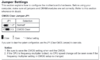
My motherboard is "ZOTAC Z68-ITX WIFI Supreme" and when I plug the power cable to electricity a green light on the motherboard turns on but nothing else! I've changed the power supply and still the same issue I also removed all the components and tried turning on my computer one at a time and still the same issue! I even tried to turn it on via the motherboard using a screwdriver supposing that the power button doesn't work but still the same problem!
What I've noticed also is that sometimes the ram and CPU heat up a little bit when it is connected to electricity but the fans don't turn and I get no signal!
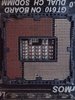
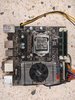
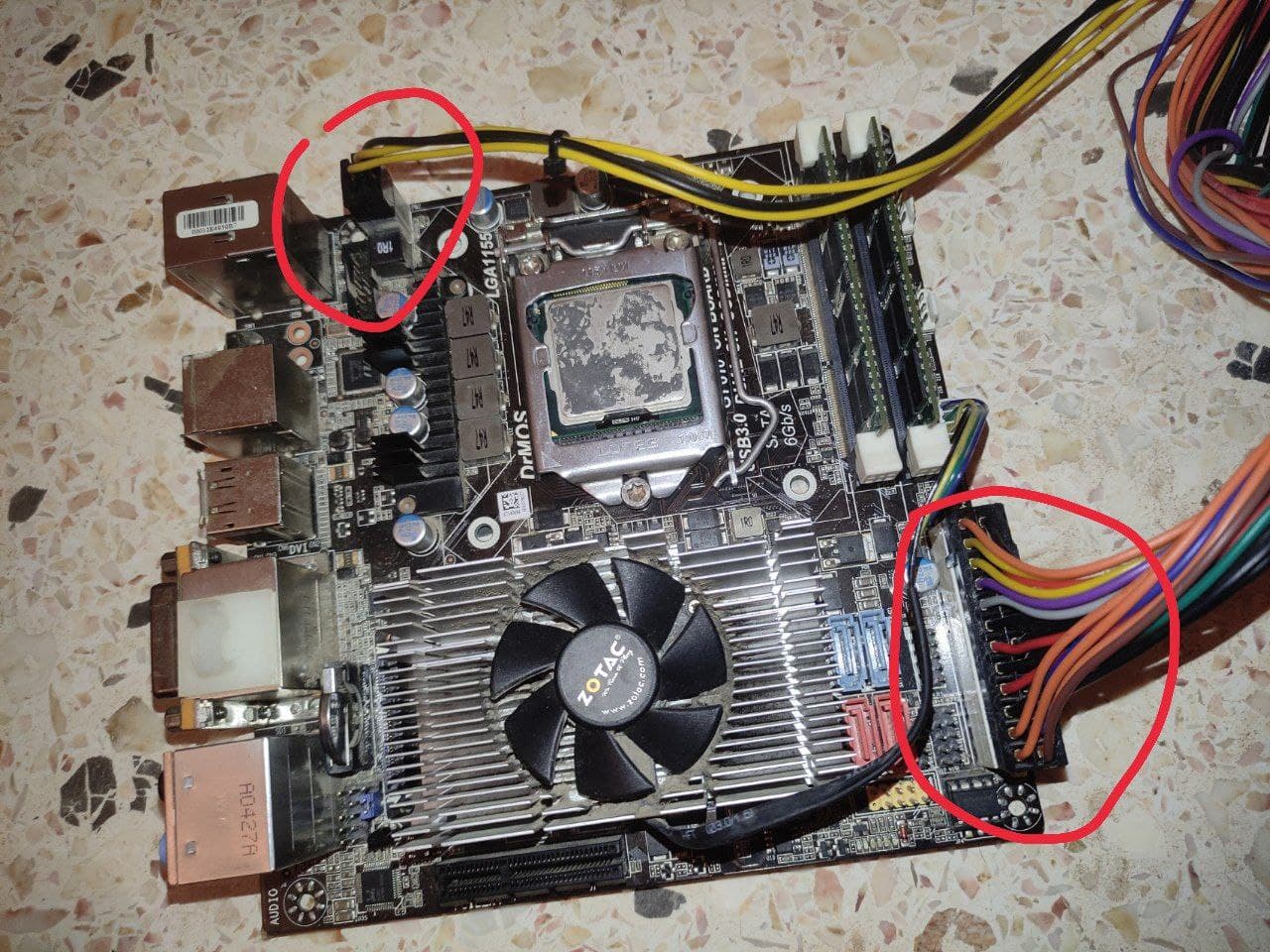
I've attached pictures of the motherboard and the CPU Socket maybe there's something wrong with the pins or something!
Could you please help?
I've abandoned my computer desktop for a while and now it doesn't turn on! when I press the power button nothing happens and even the CPU, GPU, and PSU fans don't spin!
My motherboard is "ZOTAC Z68-ITX WIFI Supreme" and when I plug the power cable to electricity a green light on the motherboard turns on but nothing else! I've changed the power supply and still the same issue I also removed all the components and tried turning on my computer one at a time and still the same issue! I even tried to turn it on via the motherboard using a screwdriver supposing that the power button doesn't work but still the same problem!
What I've noticed also is that sometimes the ram and CPU heat up a little bit when it is connected to electricity but the fans don't turn and I get no signal!
I've attached pictures of the motherboard and the CPU Socket maybe there's something wrong with the pins or something!
Could you please help?