Linksprite-Yuki
- Aug 20, 2016
- 34
- Joined
- Aug 20, 2016
- Messages
- 34
Summary
DHT22 module applies specific digital blocks collection technology and temperature and humidity sensing technology to ensure that products with high reliability and excellent long-term stability. Sensor comprises a capacitive humidity sensing element and a high-precision temperature component, and with a high-performance 8-bit microcontroller connected. Therefore, the product has excellent quality, fast response, anti-interference ability, high cost and so on. Measurable temperature range of the module: -40-80 ℃ ± 0.5 ℃, humidity range: 20-90% RH ± 2% RH. The module is widely used in temperature and humidity regulator, weather station, and other relevant temperature and humidity detection control.
Material preparation
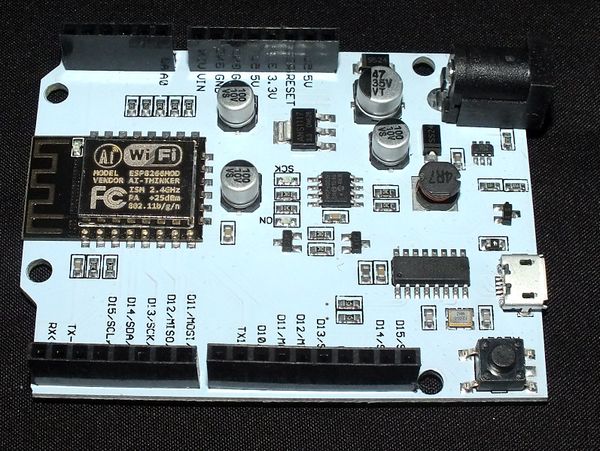
- LinkNode D1 x 1
- DHT22 x 1
- DuPont line
- Arduino IDE
Steps
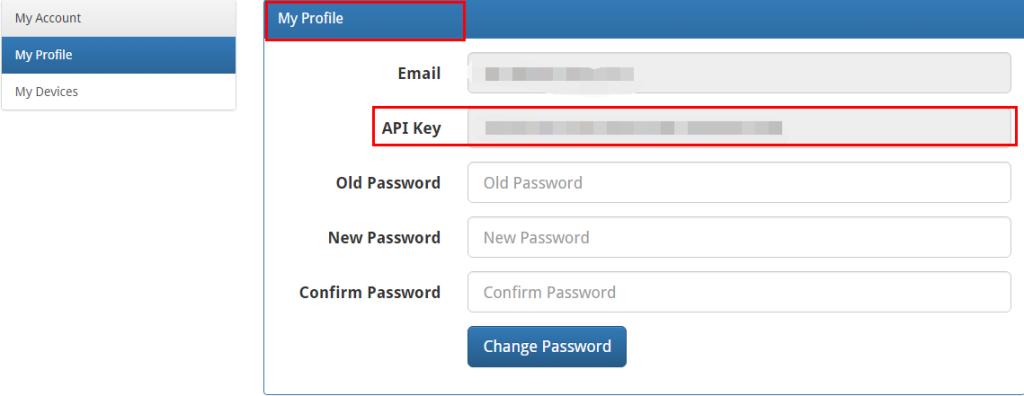
1. Login linksprite.io ,record the “Device ID” and “API key” ( If there is no account, please sign up. )
- 1. My Profile -> API key
- 2. My device->Create DIY Device
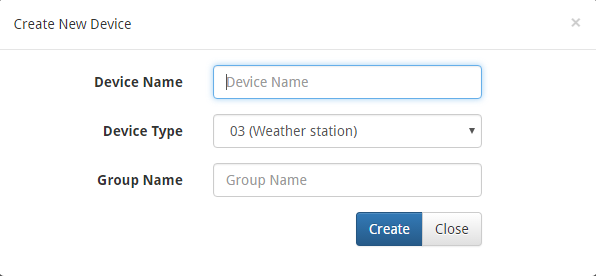
Note: Device Type must be selected 03(Custom device type) .
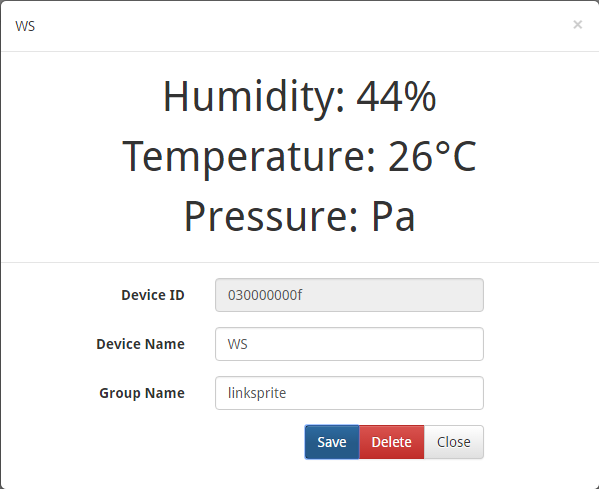
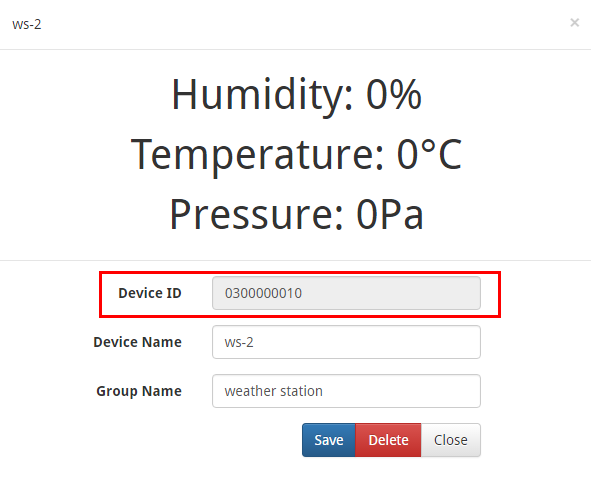
Click the device you created and record the “Device ID”.
2. Edit and run the code
Modify the “apikey” and “deviceID” with content acquired before
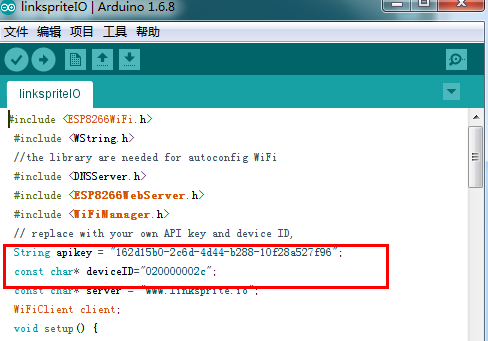
Compile the code and upload.
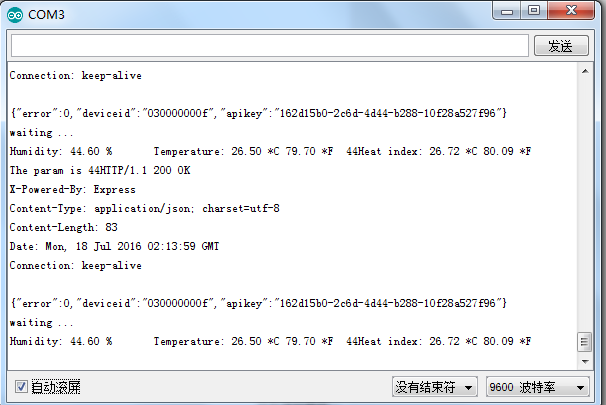
3. Results
- Serial Monitor
 2. LinkSprite IO