How to test capacitors without desoldering/Synth repair

bpm938

Sep 17, 2011
12
Joined
Sep 17, 2011
Messages
12
Hi. I'm a bit of a newb. I studied electronics in high school but there's a lot of details i don't remember.

I'm trying to fix a synthesizer (Korg 01/W Pro x). There is no screen display and no sound however all the MIDI functions and LEDs work. A couple times after leaving the synth on for a while, it would all come to life with sound and display all at once for about 15 mins or so and then go away again. so I'm going through and checking for bad resistors and capacitors, however I don't know how to test a capacitor, and I need to be able to test it while in the circuit. I can't take all the capacitors out and test them.

Any thoughts?

Thanks!
 

KJ6EAD

Aug 13, 2011
1,114
Joined
Aug 13, 2011
Messages
1,114
That sounds (pun) like a thermal intermittent in the power supply section which could be caused by an electrolytic capacitor or something else. You should rule out flaky connections and solder joints by poking around with an insulated probe (stick) with the power on before you go after the capacitors. The synthesizer probably develops several DC voltages which should each be checked. Do you have a multimeter or oscilloscope? Do you have a schematic? Can you post a clear, well-lit (not flashed) picture of the power supply section?
 

bpm938

Sep 17, 2011
12
Joined
Sep 17, 2011
Messages
12
Yes I have a simple multimeter and a pdf of the service manual with schematics, not that I can fully understand what I'm looking but it has helped some. I'll try checking for faulty connections.

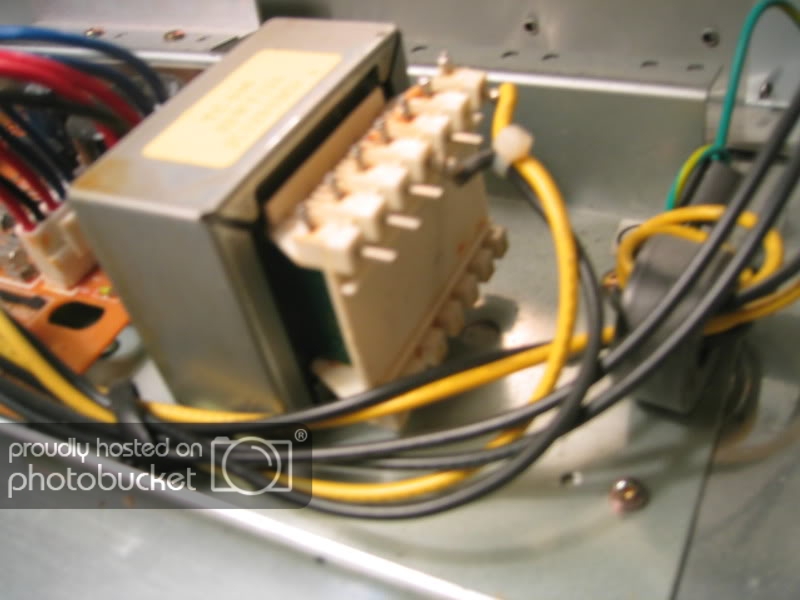
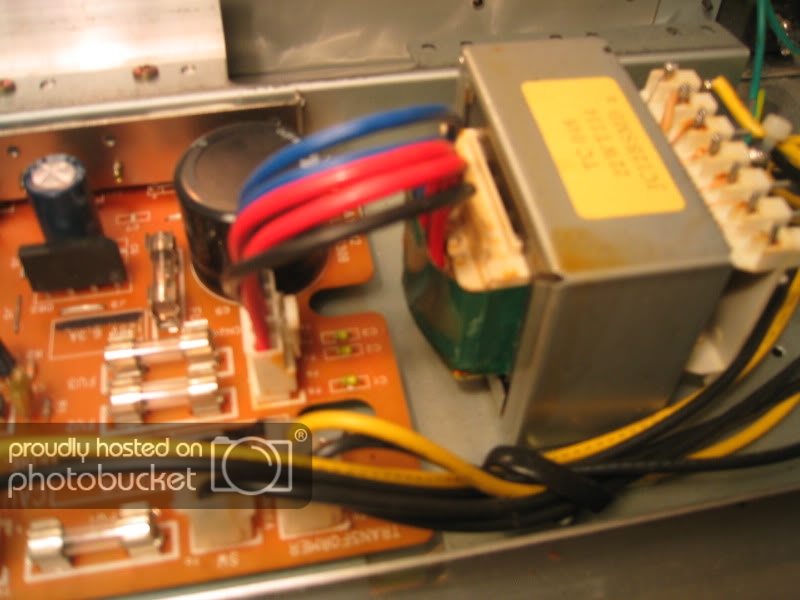
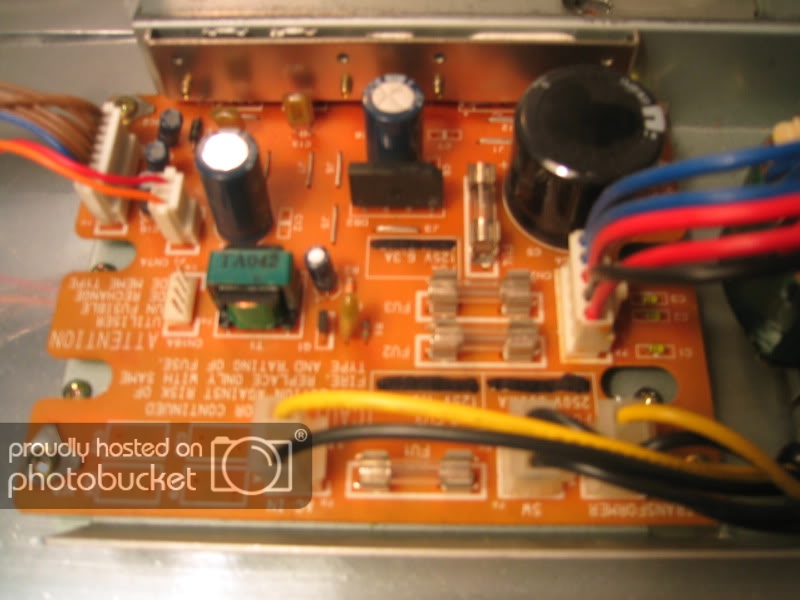
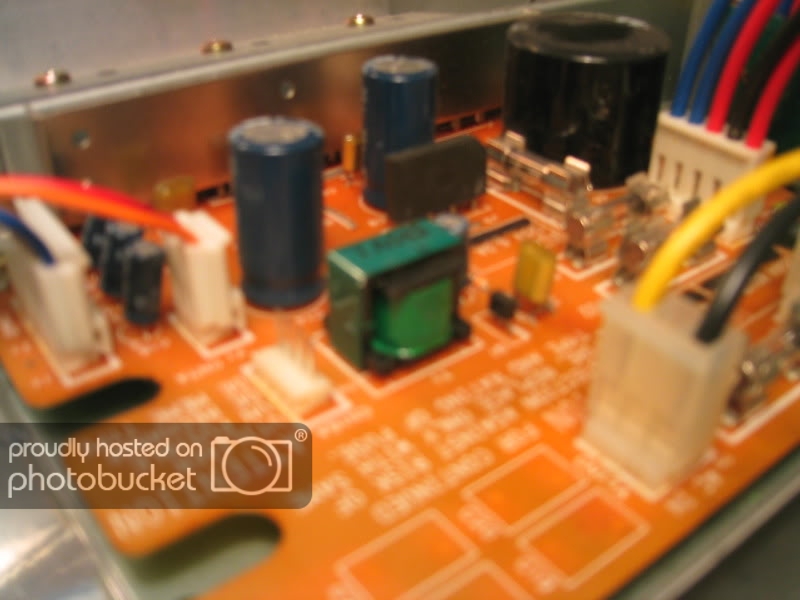
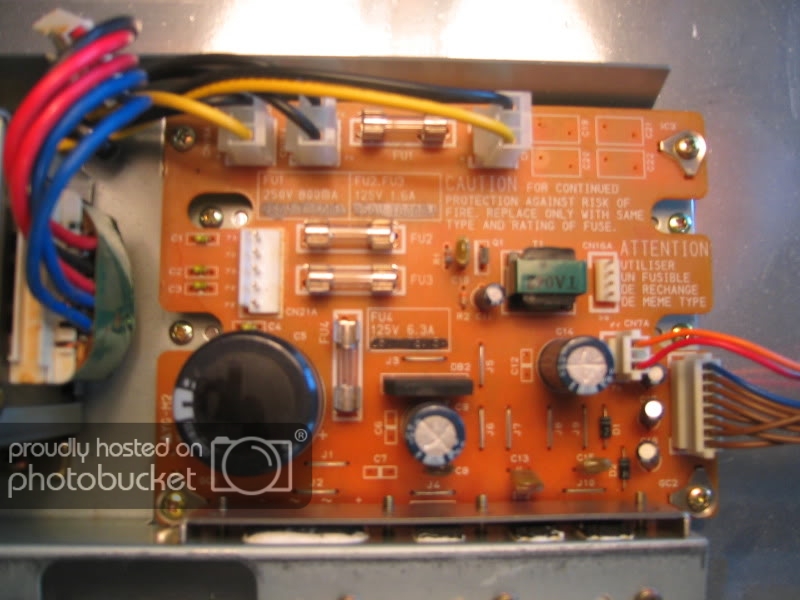
Here are some pics. If they're too blurry I can take some more. I feel pretty confident that I checked those fuses correctly and they seem fine.

IMG_0293-1.jpg

IMG_0295.jpg

IMG_0296.jpg

IMG_0299-1.jpg
 

Attachments

  • IMG_0293.jpg
    IMG_0293.jpg
    127.2 KB · Views: 551
  • IMG_0295.jpg
    IMG_0295.jpg
    128.9 KB · Views: 479

davelectronic

Dec 13, 2010
1,087
Joined
Dec 13, 2010
Messages
1,087
Capacitor testing

Hi there. Iam not sure capacitors are at fault, and if tested in circuit i would power up and test volts accros the capacitor. if you remove them, a simple test can be done on an analouge multi meter, dischare the capacitor, then on the rsistance range red lead to - volts and black lead to + volts, this charges the capacitor from the meters battery, its a basic test, but your see if the capacitor is charging up, but off the board to do this test, and only an analouge meter. Dave.
 

davelectronic

Dec 13, 2010
1,087
Joined
Dec 13, 2010
Messages
1,087
Take care on mains cicuits and testing voltages accros them, dont test mains voltage capacitors unless your confident in what your doing, it is dangerous if dont take care in the testing, mains testing can kill safe practices should be followed if your experience is basic dont do mains testing, so be careful if you do this. Dave.
 
Last edited:

KJ6EAD

Aug 13, 2011
1,114
Joined
Aug 13, 2011
Messages
1,114
Yes I have a pdf of the service manual with schematics.
That's nice, but I can't see it. Get a clue.

Here are some pics. If they're too blurry I can take some more.

IMG_0296.jpg
It's a good idea to take the photo straight on and with the legending on the board readable right side up. I want to help you but you're not doing your part yet.
 

KJ6EAD

Aug 13, 2011
1,114
Joined
Aug 13, 2011
Messages
1,114
With the power off, disconnect the loads (CN4B, CN7A and CN16A) from the power supply board then power on and test for the DC voltages shown below. Although the grounds are shown assigned to their respective supply voltage, all are common to each other.

CN4B (Main PCB power)
1 +5V
2 +5V
3 5V GND
4 5V GND
5 +12V
6 12V GND
7 12V GND
8 -12V

CN7A (FDD power)
1 +5V
2 NC
3 5V GND

Test for an AC voltage on CN16A pins 1 & 4 (display backlight power). It should be around 100V.
 
Last edited:

bpm938

Sep 17, 2011
12
Joined
Sep 17, 2011
Messages
12
CN4B all read either 4.99v or 11.99v except 8 reads 11.75v.

CN7A reads 4.99v

But CN16A reads 166v AC on 1&4.

I tested R1 (32.5 ohm) and R2 (6.84k ohm).

I believe I also hear a high pitched noise coming from the power board.
 

Resqueline

Jul 31, 2009
2,848
Joined
Jul 31, 2009
Messages
2,848
You just measured and confirmed that all the voltages are present and correct. Next reconnect the loads and see if any of the voltages changes considerably.

The noise comes from T1 which is the inverter transformer for the LCD ElectroLuminescent backlight (CN16A).
166V AC sounds right, but isn't pin 1 common ground and pin 4 AC? Does it illuminate?
 

KJ6EAD

Aug 13, 2011
1,114
Joined
Aug 13, 2011
Messages
1,114
There are two other voltage regulators on the main PCB that develop +5 and -5 from +12 and -12. Can you find and check those outputs?
 

bpm938

Sep 17, 2011
12
Joined
Sep 17, 2011
Messages
12
I've looked on the board and on the schematic, but I don't actually know how to identify a voltage regulator.
 

KJ6EAD

Aug 13, 2011
1,114
Joined
Aug 13, 2011
Messages
1,114
Main PCB schematic (KLM-1589), lower left corner, IC52 and IC53. There's a layout diagram in the manual that should help you find it on the PCB but it's easier probably to simply follow the cabling from CN4B.
 

bpm938

Sep 17, 2011
12
Joined
Sep 17, 2011
Messages
12
IC53 reads In: 11.95v, out: 5.02v
IC52. I'm not 100% sure I'm testing the leads properly on this one but i've tried every combination and they all read very low. Like .66v (probably In) and .02v (probably out).

Is it safe to assume that the regulator is bad or would the problem lie elsewhere?
 

KJ6EAD

Aug 13, 2011
1,114
Joined
Aug 13, 2011
Messages
1,114
There's not much more I can do from here. If you have -12V coming in on the connector and you don't have -5V coming out of the regulator, there's a problem somewhere in the few circuit components along that path. I did notice that there's a couple of resistors (R142 & R143) on the schematic near IC52 and IC53 that are labeled as fuses. They may be pico fuses which look like green resistors but are in fact fuses.
 

bpm938

Sep 17, 2011
12
Joined
Sep 17, 2011
Messages
12
You just measured and confirmed that all the voltages are present and correct. Next reconnect the loads and see if any of the voltages changes considerably.


So I tested CN4B going to Main PCB with the load and lead 8 now reads .66v instead of -12.
 

Resqueline

Jul 31, 2009
2,848
Joined
Jul 31, 2009
Messages
2,848
Ok, so you probably have a short somewhere, in an IC connected to the -12V. Since there's quite a number of them it's going to be a challenge to find the right one.
You may want to use several techniques. One is the heat sense. Feel around for an IC getting warm (or warmer than the others), then see if it's connected to -12V.
IC3 (79M12) in the PSU should get warm, being overloaded. If it's not then it may be faulty or not getting enough voltage in - under load.
IC52 (79L05) on the main board should not get warm. If it is then there's your short.
The other method I've used with success is to measure the voltage drop along the PCB tracks. It'll be in the 0.1mV range but it'll tell you where the current is going.
 

bpm938

Sep 17, 2011
12
Joined
Sep 17, 2011
Messages
12
So there doesn't seem to be an IC3 79M12 on the power board. I can see it on the schematic but not on the board. you can see the picture above that i posted to confirm. IC52 does not seem warm. The only ICs that get warm are, on the main board, IC36, IC37, and IC38. IC38 get really hot actually.
 

KJ6EAD

Aug 13, 2011
1,114
Joined
Aug 13, 2011
Messages
1,114
IC1–IC3 are on the extreme edge of the power PCB clamped to the chassis for heat sinking.

IC38 on the main PCB is a bidirectional switch on the channels that feed outputs 3 and 4 on the jack PCB. There's a good chance that IC38 and/or some of the amplifiers (IC45–IC49–Q4, IC46–IC50–Q5) on one or both of those channels is damaged. I would first check the jacks for a short or metal debris fouling then test Q4 and Q5.
 
Last edited:
Top