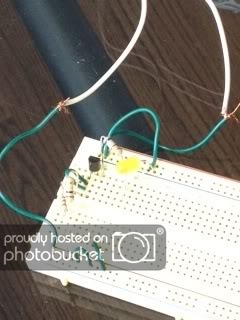
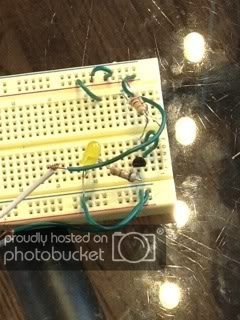
MAKE: Electronics Ex. 10 Help Needed

nyancatvsghosthead

Jan 7, 2012
117
Joined
Jan 7, 2012
Messages
117
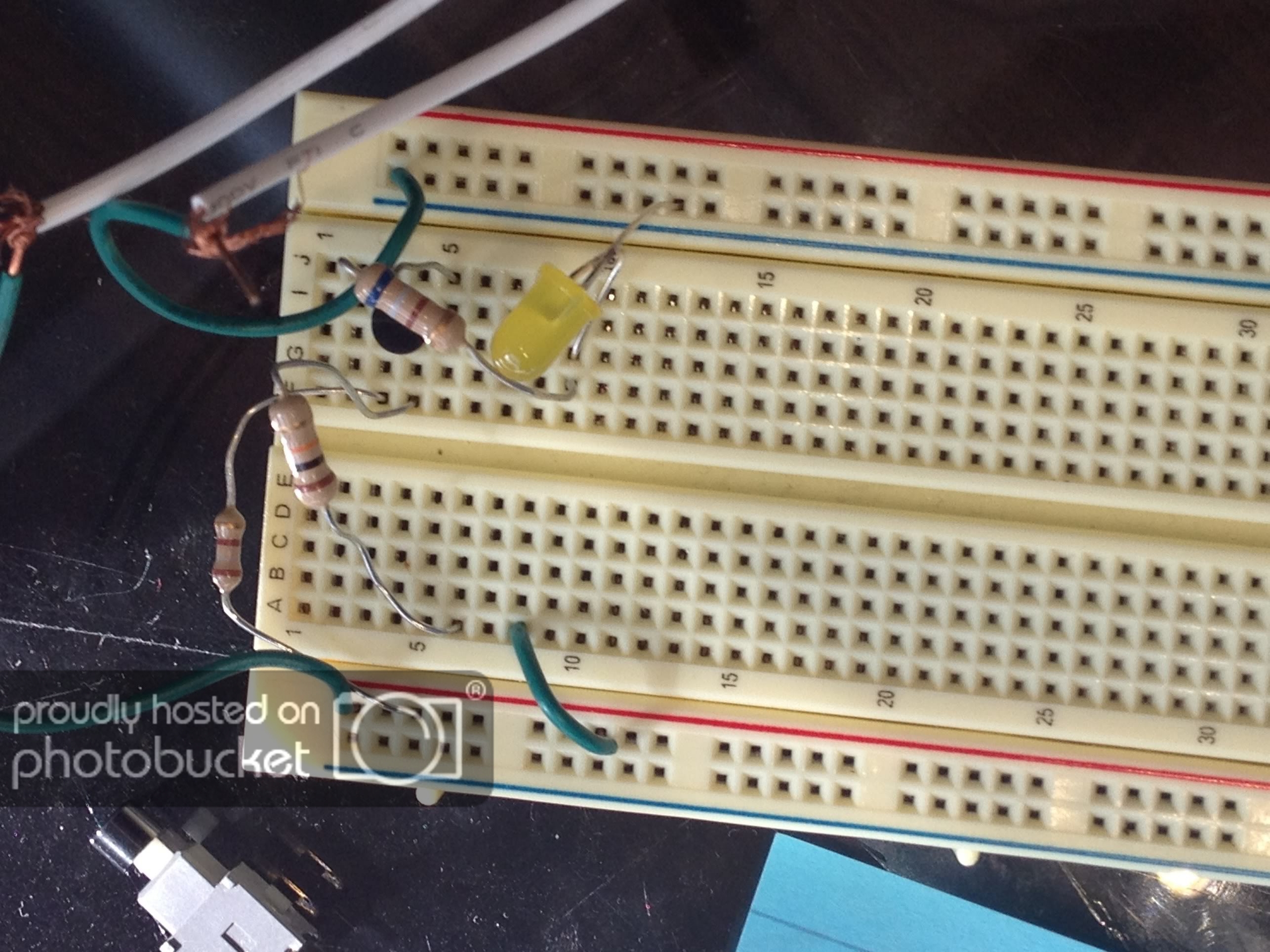
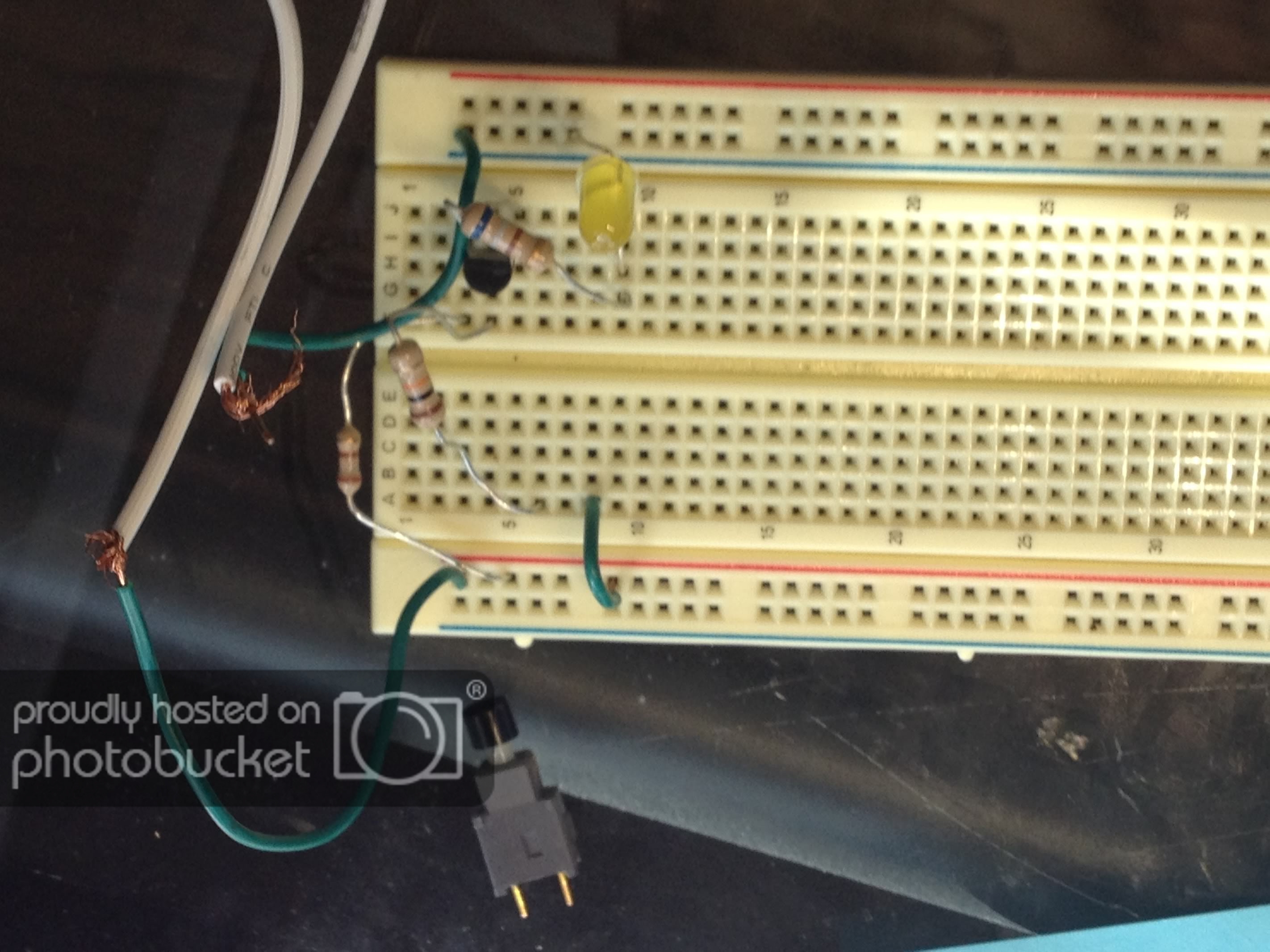
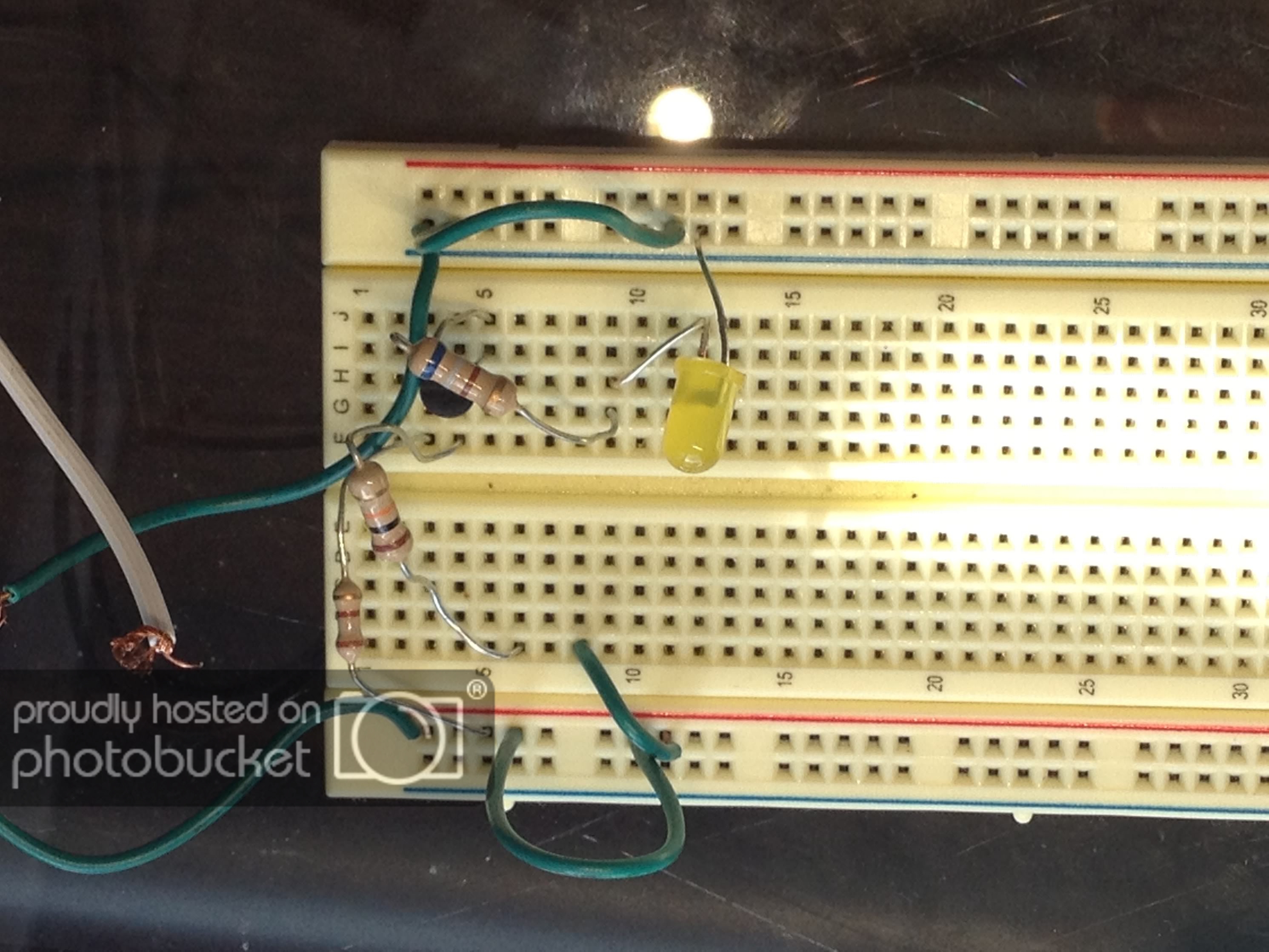
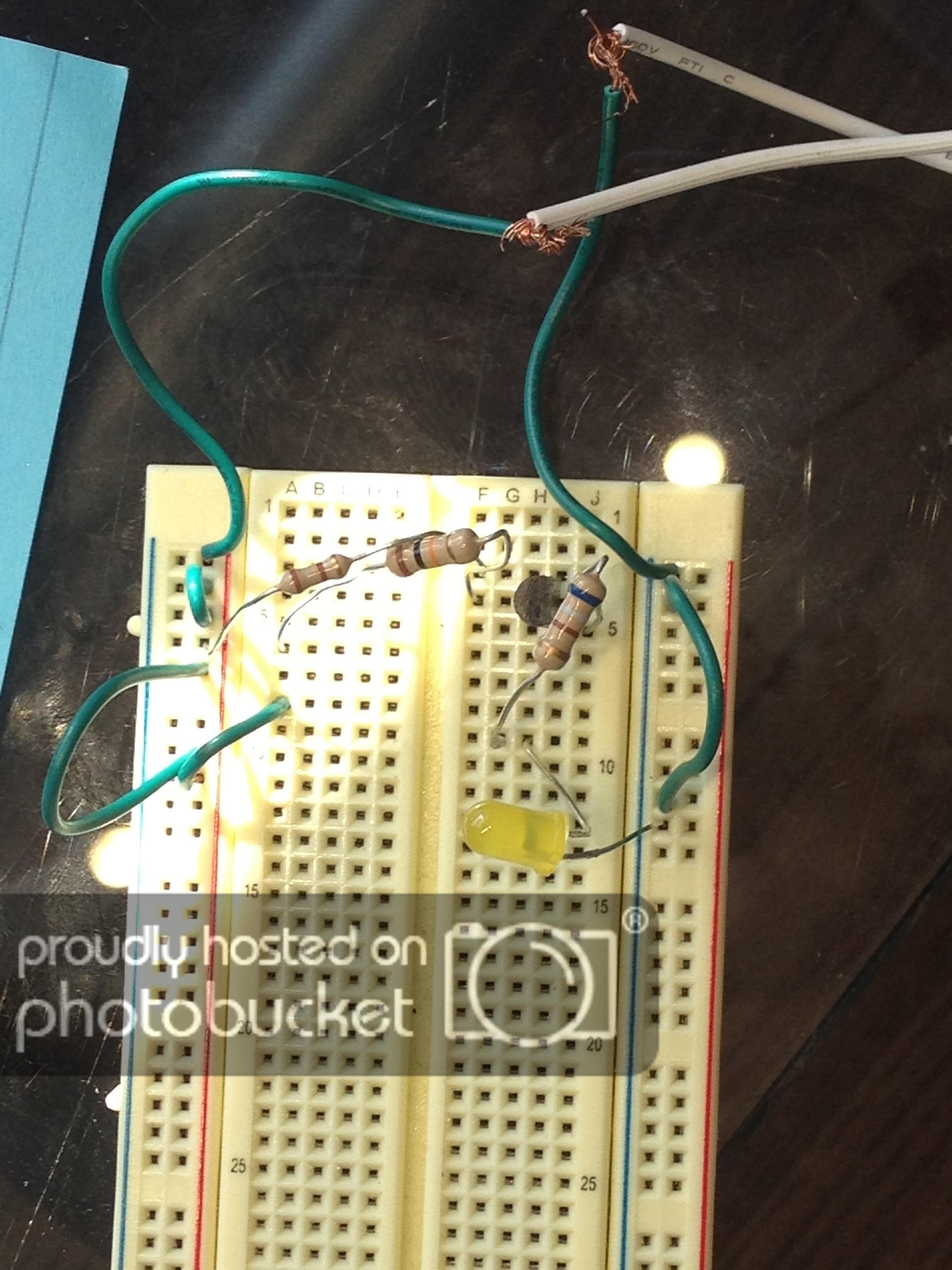
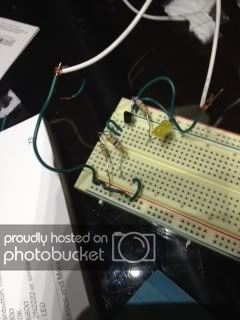
Alright, so I used my brain a TON!!! Here is everything I've tried:

1.
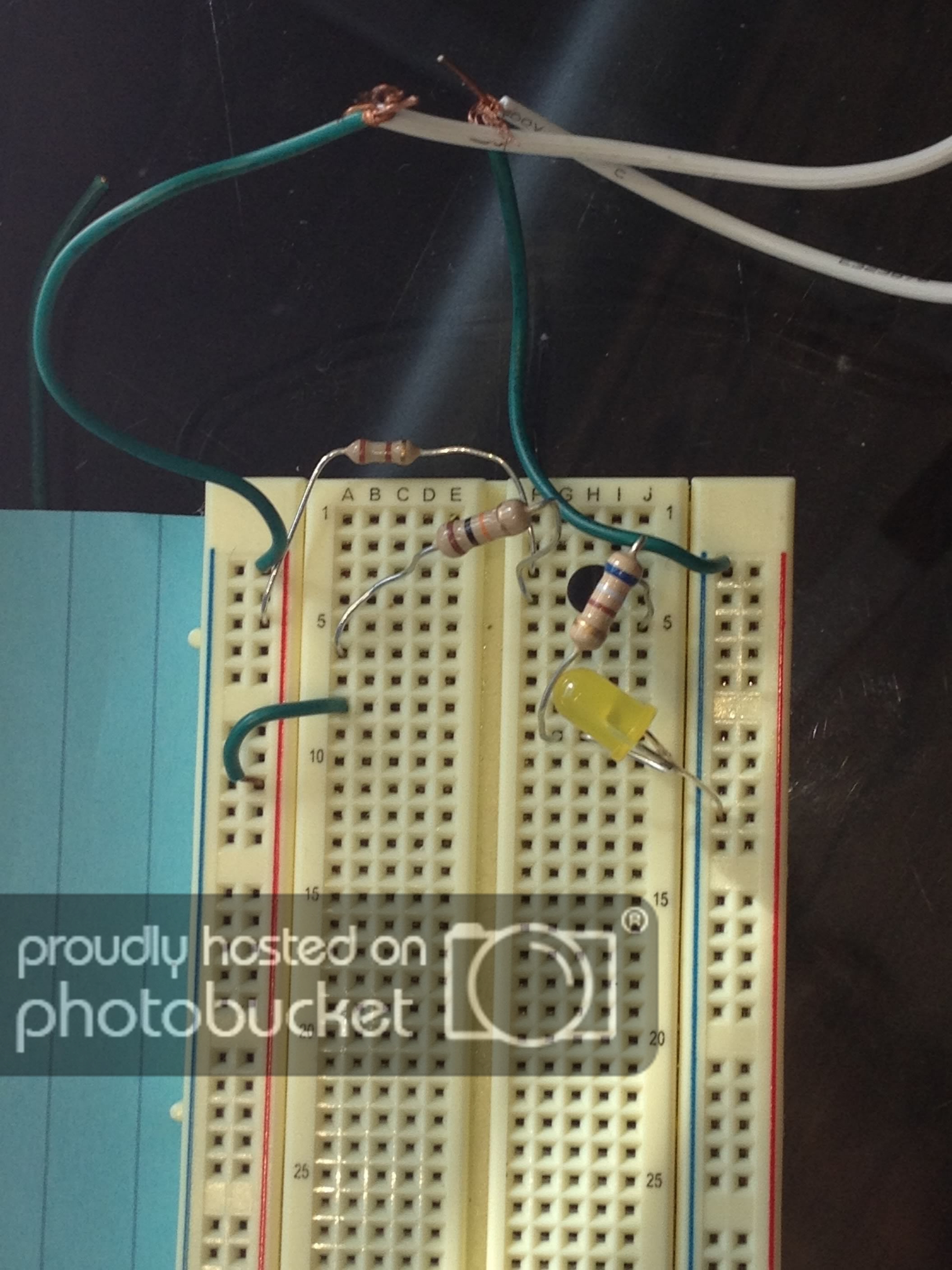
photo-8.jpg


2.
photo-7.jpg


3.
photo-6copy.jpg


4.
photo-6.jpg


5.
photo-5.jpg


6.
photo-4.jpg


7.
photo-3.jpg


That's everything I've tried. I thought that based on the last one that would work because in the last one, all I had to do was connect the wires so that it fit. That was not the case here. May I please have some help? Thank you. :confused:
 

nyancatvsghosthead

Jan 7, 2012
117
Joined
Jan 7, 2012
Messages
117
I also tried two other things. I think that is all has to connect I think that I'm totally doing this wrong though. I ran out of ideas and turned to this. Thank you so much for helping. I hope I'm fit to do electronics. I feel kind of like I'm not but I'll keep trying anyways ;(... Anyways, I hope I can make this work. Thank you. Also, if you think there's a hint you could give that just sends me in the right direction, I think that will work better than just giving me the answer because I want to figure some of it out, so that I understand the experiment. Thank you. :)
 

(*steve*)

¡sǝpodᴉʇuɐ ǝɥʇ ɹɐǝɥd
Moderator
Jan 21, 2010
25,510
Joined
Jan 21, 2010
Messages
25,510
It's really hard to see what you've tried because you don't tell us.

You also don't link to the circuit diagram

You also don't give us any way of interpreting the polarity or voltage from your power supply.

You also don't give us a clear shot of a transistor which I think is under there somewhere, nor of its connections or even part number.

Without any of that we're really not going to be able to help.

How about you address all of those for us and we should be able to give you some good advice.
 

davenn

Moderator
Sep 5, 2009
14,470
Joined
Sep 5, 2009
Messages
14,470
Also just as a big hint for the benefit of others

resize you pics before posting say to a max of 700x500 rather than 2100 x 2800

its makes them much easier for us to view and faster for you to upload and us to download

cheers :)
Dave
 

timothy48342

Nov 28, 2011
218
Joined
Nov 28, 2011
Messages
218
It is very hard to see how things are connected in these images.

In the last image, you can see part of the transister and it might be on rows 3, 4, and 5. (Not sure)
photo-3.jpg


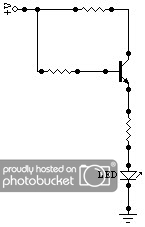
I think this circuit is what was intended. (By the way, it took me about 5 minutes to create this. I used "CircuitMaker Student". It is circuit simulation software and there are plenty of different programs out there. This is only the second program I tried. I mostly just use it to draw and the export-circuit-as-graphic feature works great. I open the bitmap with Windows Paint and save it in monochrome and the file is very small. Just google "circuitmaker student" or "circuit simulation software")
simpletransistertolightled.jpg


That's definately not how you have it connected, though. I see you you have a green wire connected in hole numer "A8". That's not connected to anything because B8, C8, D8, and E8 are empty, so that wire is not doing anything.
And I see you have one end of a resistor in hole number "A6" that is not connected to anything either.

I might be good to take a look at how the breadboard is connected on it's inside:
breadboard_600.jpg

(If that image doesn't show up, this is the page it came from:
http://cheapbots.wordpress.com/2006/10/22/about-breadboard/)
Edit:Found an even better image that shows the inside connections of a breadboard:
Transparent-solderless-breadboard-showing-the-metal-strips-for-tie-points-underneath.jpg

:endEdit
Also, tell us how the circuit is supposed to work. (I know the LED will light up, but tell us HOW so that we can help you figure it out on your own.)

--tim

...
resize you pics before posting say to a max of 700x500 rather than 2100 x 2800
...
I was wondering exactly that. So far, I've been limiting myself to tiny monochrome images, because I didn't know what size would be good. Thank you, Dave.
 
Last edited:

KJ6EAD

Aug 13, 2011
1,114
Joined
Aug 13, 2011
Messages
1,114
I thought you guys liked 15 Megapixel images so you could zoom in and see everything in clear detail. :D
 

davenn

Moderator
Sep 5, 2009
14,470
Joined
Sep 5, 2009
Messages
14,470
to the original poster....

after some resizing of this pic.... some comments...

attachment.php


it would really help lots if you used red for positive Volts and black for negative from
the power supply. 2 reasons...
1) you can then be sure YOU havent reversed connections
2) We can clearly see that as well

At the moment you have 2 greys going into 2 greens we cannot see the PSU (battery) so we have no idea if you have the polarity correct or not

Its a bit hard to tell if you have the transistor connected correctly the pins for it are hidden by that 680 Ohm resistor
Note the info Timothy has given on the way the breadboard is wired and you will see that that small and large green wire loops going up the outside are not needed :)

cheers
Dave
 

Attachments

  • photo-3.jpg
    photo-3.jpg
    73.5 KB · Views: 393

nyancatvsghosthead

Jan 7, 2012
117
Joined
Jan 7, 2012
Messages
117
The power supply is connected to the wall. It is 1.5 volts.

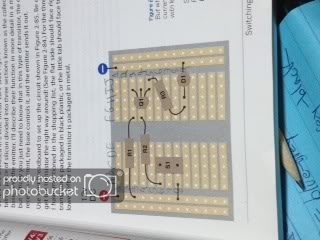
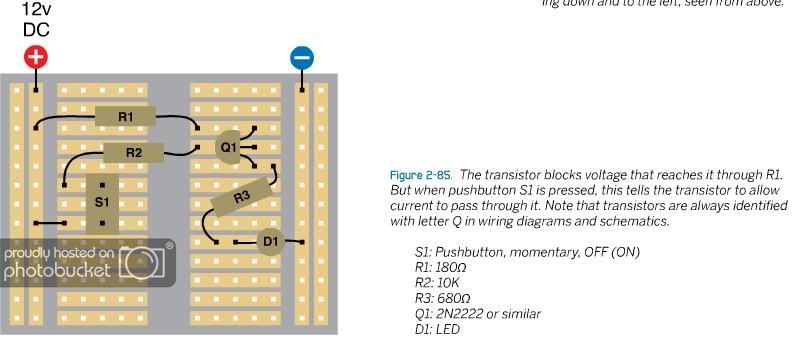
Here is what the book says the circuit is supposed to look like:

MAKE10blueprintcircuit-1.jpg


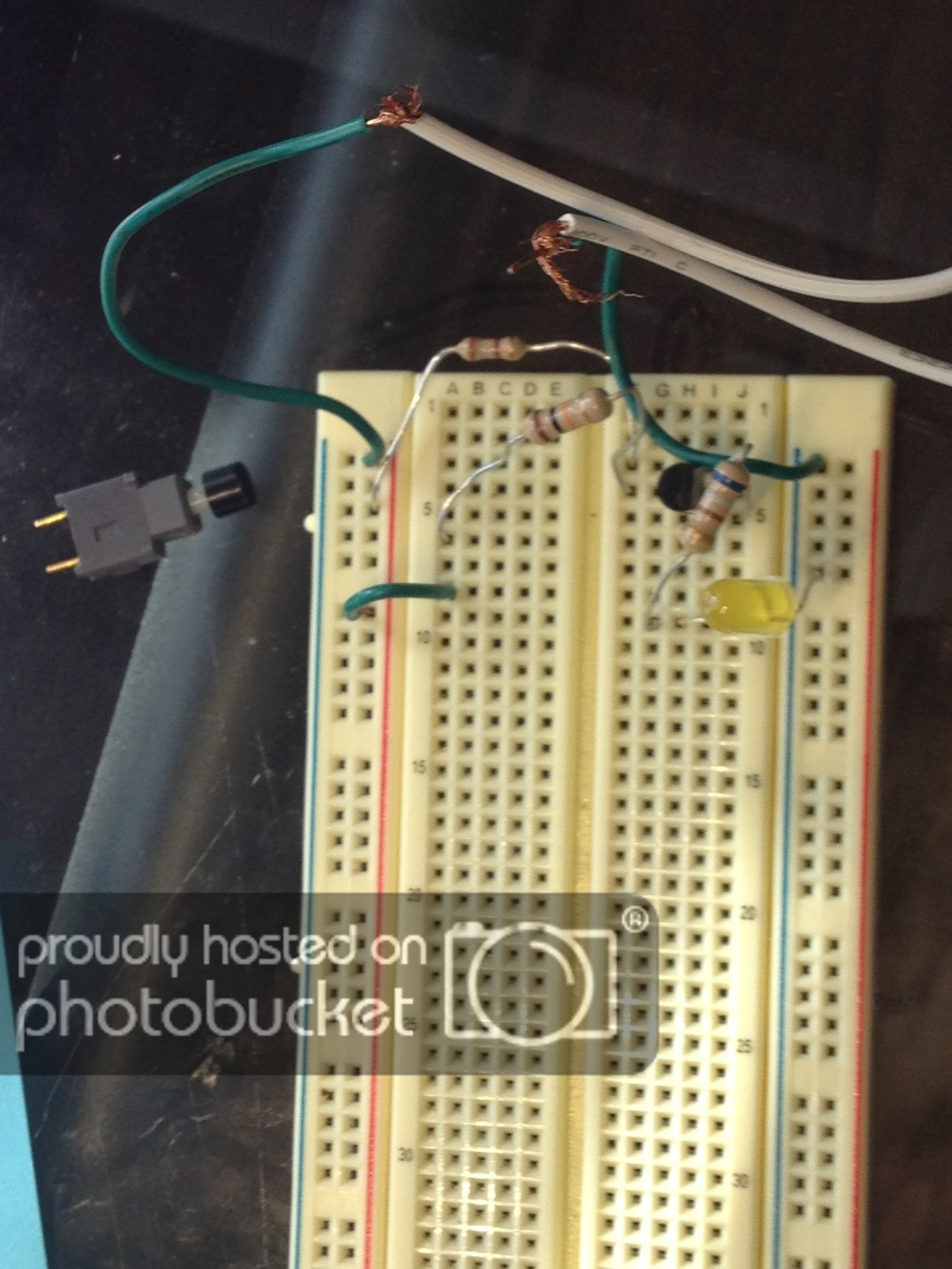
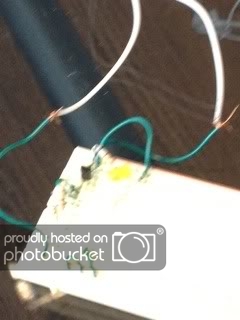
Here is a picture of my circuit with a better view of the transistor. It is part 2N2222:

MAKE10try6fromdifferentangle.jpg
 

(*steve*)

¡sǝpodᴉʇuɐ ǝɥʇ ɹɐǝɥd
Moderator
Jan 21, 2010
25,510
Joined
Jan 21, 2010
Messages
25,510
OK, 1.5V isn't going to work because the LED required a higher voltage than that to operate.

You still haven't posted all that I need, but I assume that the description that you have partially photographed mentions a voltage that is significantly higher than 1.5V
 

KJ6EAD

Aug 13, 2011
1,114
Joined
Aug 13, 2011
Messages
1,114
The book indicates a 12V supply and the component values are consistent with that.
 

jackorocko

Apr 4, 2010
1,284
Joined
Apr 4, 2010
Messages
1,284
1.5V? Yeah that will never work. You will need to come up with 12V supply or as KJ hinted at, change the value of the components to work with a 9V battery supply.
 

nyancatvsghosthead

Jan 7, 2012
117
Joined
Jan 7, 2012
Messages
117
Also, do I have to hook up the switch? I moved the switch next to the wire and the R2 connection. I would think that that would connect them, other than it didn't. I think though that maybe it doesn't matter. Does the transistor have to hook up to anything? Should I keep the connection from the transistor to R2 and R1 and do either of those need to be taken out if so? I've always thought that it has to do with the connections with the wires. Anything here I'm still doing wrong?
 

timothy48342

Nov 28, 2011
218
Joined
Nov 28, 2011
Messages
218
Can you tell which is the + and which is the - on your power source? That is one thing we could not tell from the pictures.

And did you plug in the switch in holes C6 and C8? (S1)

Tell us everything. Don't assume we know.

-tim
Edit: Opps. I posted at the same time as you. Let me read yours. Will post again in a sec. :endEdit
 
Last edited:

nyancatvsghosthead

Jan 7, 2012
117
Joined
Jan 7, 2012
Messages
117
Supposedly, this is how it works:

1. Through R1 voltage reaches the collector of the transistor
2. the transistor only lets a little bit of voltage trickle down, so the LED stays dark
3. When the button is pressed, voltage is applied through the separate path to the base
4. This tells the transistor to open its solid state and let current go through the emitter
5. the current goes through R3

That's how it works. :) I tried to put it into my own words to make sure I understand it.
 

timothy48342

Nov 28, 2011
218
Joined
Nov 28, 2011
Messages
218
Also, do I have to hook up the switch? I moved the switch next to the wire and the R2 connection. I would think that that would connect them, other than it didn't. I think though that maybe it doesn't matter. Does the transistor have to hook up to anything? Should I keep the connection from the transistor to R2 and R1 and do either of those need to be taken out if so? I've always thought that it has to do with the connections with the wires. Anything here I'm still doing wrong?

Connect the switch? Yes.

Switch location? As in the picture. Next to R2. (hole C6) and the other end in C8.

It didn't connect them? You do have to press the switch also.

The transister connections? I think you have the transister where it needs to be. You have it on rows 3, 4, and 5 in the right-hand side, so it is connected to anything else in those 3 rows. It is connected to R1, R2, and R3. (At least it was) You could post a new pic. If you do post a pic, bend back the longer components like you did the last time, so we can see every connection. (I don't care one bit about the file size. I do like to be able to zoom in close.)

R2 and R1? I would not take them out. You had all the connections very close to working in your last picture. The 1.5V power source was a problem.

You have always thought it was the connections with the wires? I see that. I see that you tried to make extra connections with the green wires. I maybe just may have been your power source that was the problem.

So make sure that switch is connected like in the book and press the button.

Not working? Post another pic, please.

Good work, so far.

--tim
 

timothy48342

Nov 28, 2011
218
Joined
Nov 28, 2011
Messages
218
Supposedly, this is how it works:

1. Through R1 voltage reaches the collector of the transistor
2. the transistor only lets a little bit of voltage trickle down, so the LED stays dark
3. When the button is pressed, voltage is applied through the separate path to the base
4. This tells the transistor to open its solid state and let current go through the emitter
5. the current goes through R3

That's how it works. :) I tried to put it into my own words to make sure I understand it.

You got it dead on!!! That is exactly how it works. (And good that you put it in your own words. That's important.)

Read my last post. Check the switch. Press it. Post a pic. :)
-t
 

(*steve*)

¡sǝpodᴉʇuɐ ǝɥʇ ɹɐǝɥd
Moderator
Jan 21, 2010
25,510
Joined
Jan 21, 2010
Messages
25,510
Supposedly, this is how it works:

1. Through R1 voltage reaches the collector of the transistor
2. the transistor only lets a little bit of voltage trickle down, so the LED stays dark
3. When the button is pressed, voltage is applied through the separate path to the base
4. This tells the transistor to open its solid state and let current go through the emitter
5. the current goes through R3

That's how it works. :) I tried to put it into my own words to make sure I understand it.

Let me rewrite some of it a little for you:

2) with no base current, only a very small leakage current flows between the collector and the emitter (effectively none) and it is not enough to light the LED.

3) when the button is pressed, current can flow into the base of the transistor

4) the small base current allows a larger current to flow between collector and emitter
 

nyancatvsghosthead

Jan 7, 2012
117
Joined
Jan 7, 2012
Messages
117
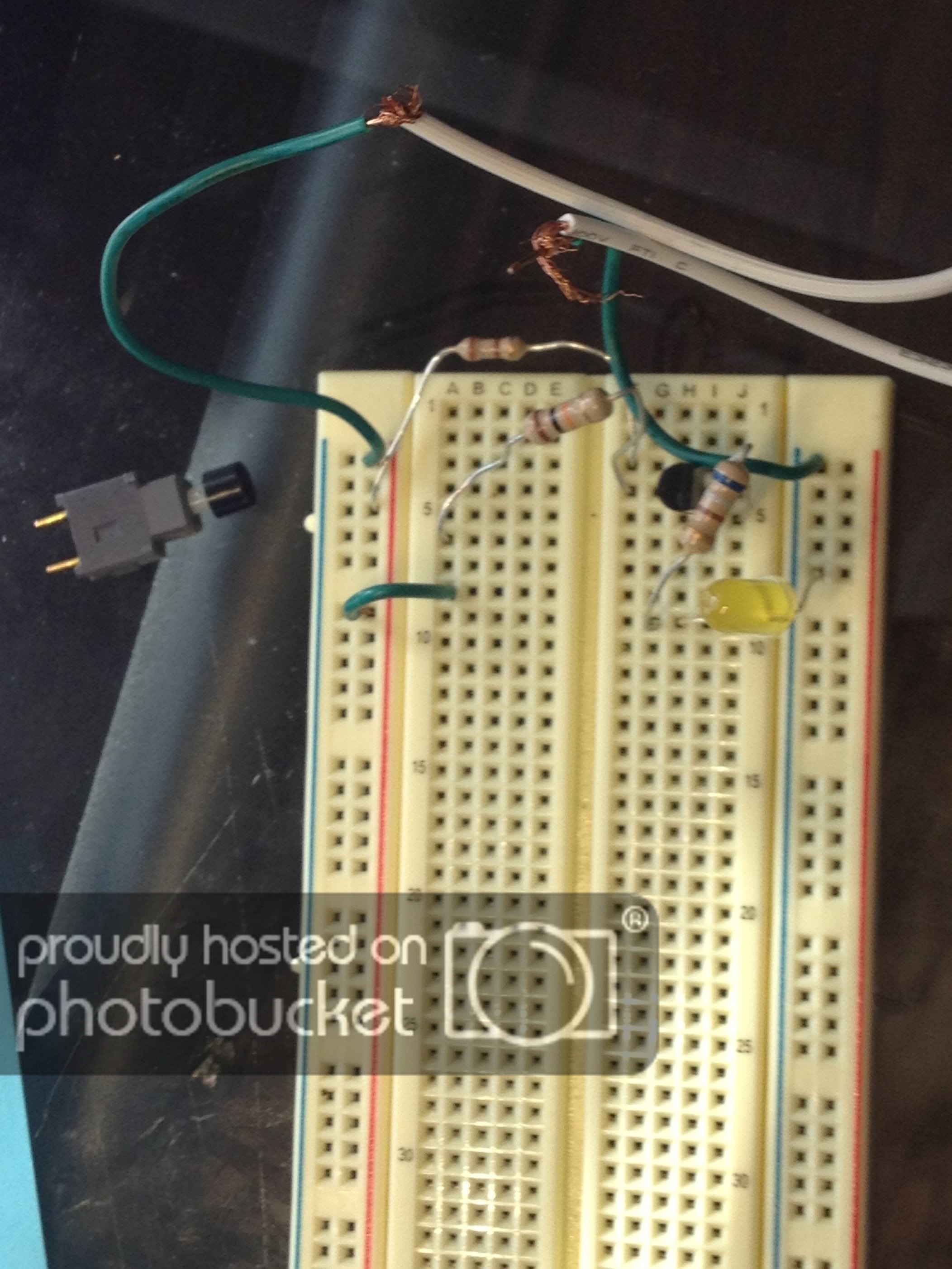
Here are a few of the things I've tried:

photo-5-1.jpg


MAKE10try7-1.jpg


MAKE10try7.jpg


photo-6-2.jpg


The last experiment went perfectly, so I think that I can make this one work. Hopefully this will help? Thanks for the advice.
 
Top