Linksprite-Yuki
- Aug 20, 2016
- 34
- Joined
- Aug 20, 2016
- Messages
- 34
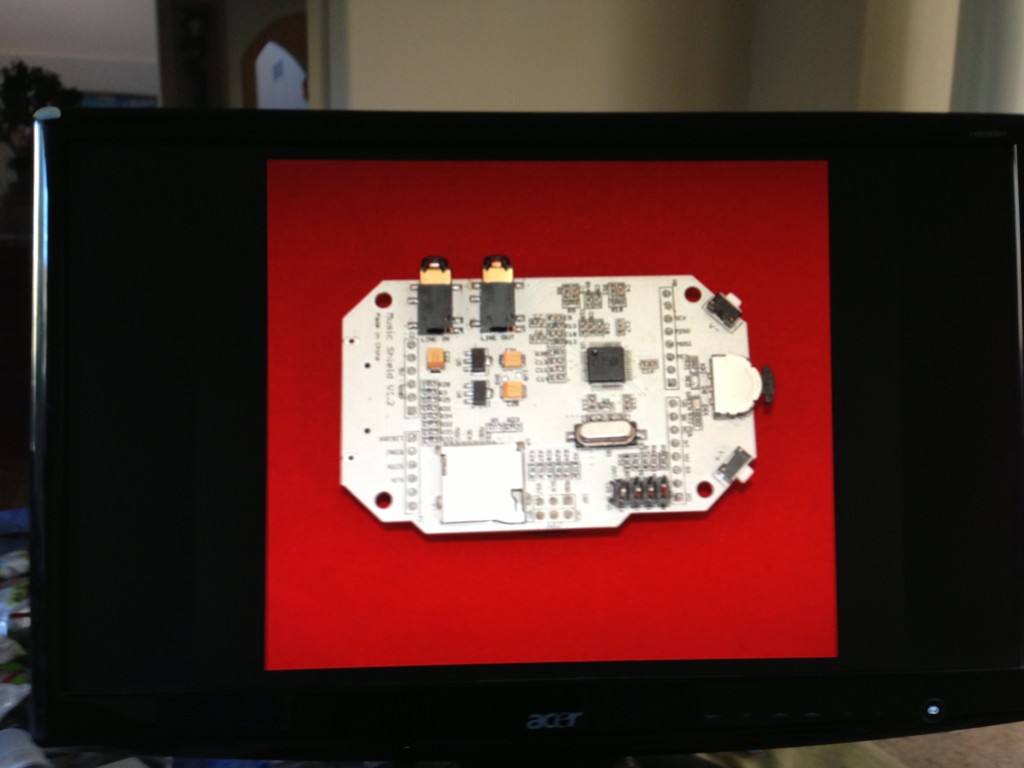
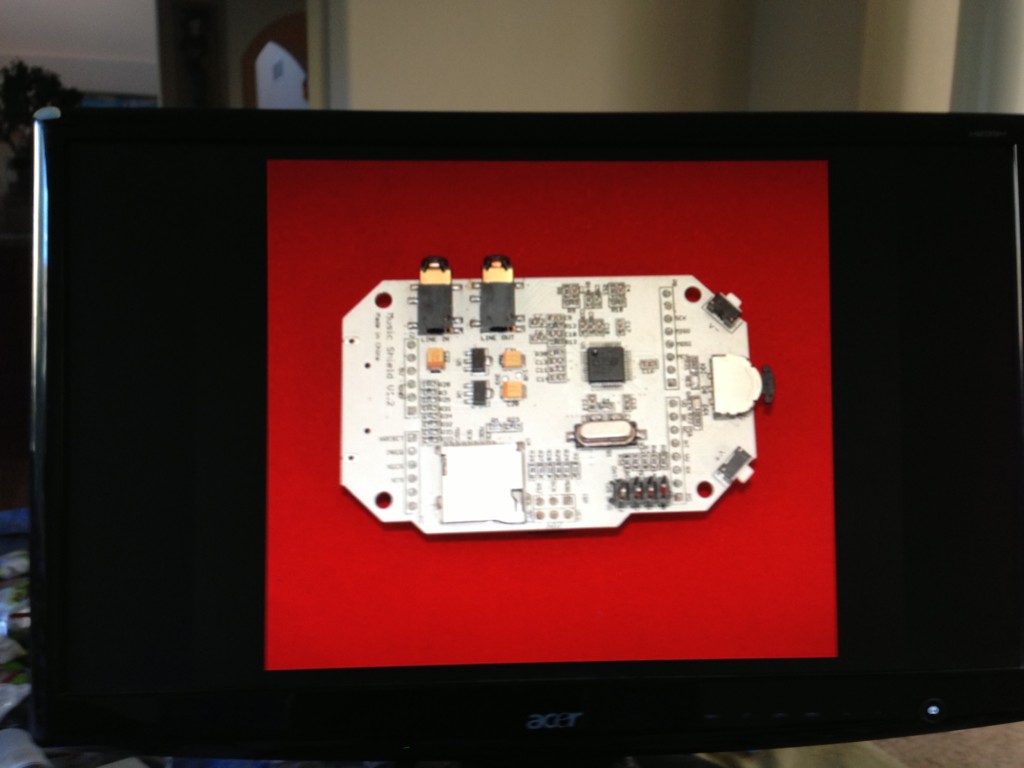
We are going to turn pcDuino into a digital picture frame.
The thing to make this magic happen is a tool called fbi: frame buffer interface.
To install the Linux Frame Buffer Interface using: $sudo apt-get install fbi.
To show the pictures, use the following command:
?
1
$sudo fbi -noverbose -m 1920x1080 -a -T 2 -t 10 *.jpg
The mode supported by ‘-m’ can be found at:
?
1
$more /etc/fb.modes
The switch ‘-T” means that displaying the pictures to HDMI, i.e., ‘-T 2′.
‘-a’ means that it will automatically fit the picture into the screen.
‘-t’ is the interval to change to picture.
The thing to make this magic happen is a tool called fbi: frame buffer interface.
To install the Linux Frame Buffer Interface using: $sudo apt-get install fbi.
To show the pictures, use the following command:
?
1
$sudo fbi -noverbose -m 1920x1080 -a -T 2 -t 10 *.jpg
The mode supported by ‘-m’ can be found at:
?
1
$more /etc/fb.modes
The switch ‘-T” means that displaying the pictures to HDMI, i.e., ‘-T 2′.
‘-a’ means that it will automatically fit the picture into the screen.
‘-t’ is the interval to change to picture.