Join the Community
Main Menu
ST Combines Gyroscopes and Accelerometers in Automotive Safety Sensors
Industrial Desktop CNC ToolDance X1 Offers 5-Axis Machining Capability
ZOTAC ZBOX PRO CM5-PICO Packs Dual 4K HDMI into a Fanless Industrial PC
IBM Plans Early Nanostack PDK for 3D Transistor Chip Design
Polyimide Tape for PCB Masking: Avoiding Edge Lift and Residue
Prevent Post-Launch Application Failures with Real-World Network Simulation
The Approach to AI Infrastructure Is the Real Bubble
Mastering the Curve: Layout Strategies for FPC Bend Radius and Reliability
Single Pair Ethernet: One Twisted Pair, Full Ethernet Performance
Analog To Digital Conversion - Sampling and Quantization
Positive Feedback in Electronic Circuits
Temperature Sensors
High Current Half Bridge with Over-Current Shutdown
3-Wire Electret Microphone Pre-Amplifier
12W Step Up DC-DC Converter using MAX1771
Sound to Light Color Shield for OLEDUINO v2
An Introduction to RF Theory, Practices, and Components: The Ins and Outs of RF
The Growing Decentralization of Power Grids
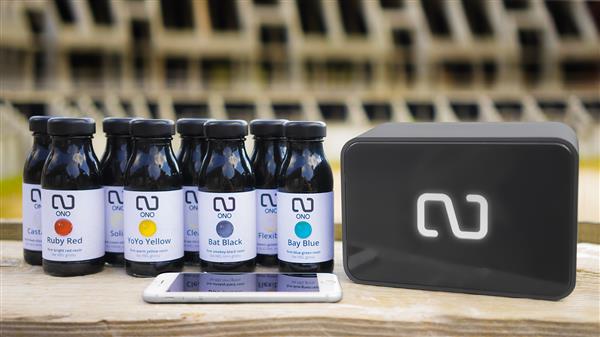
C Enterprise Ltd., the company behind the amazing 3D printer Cel Robox, is now back on stage with some new upgrades and plug-ins:...
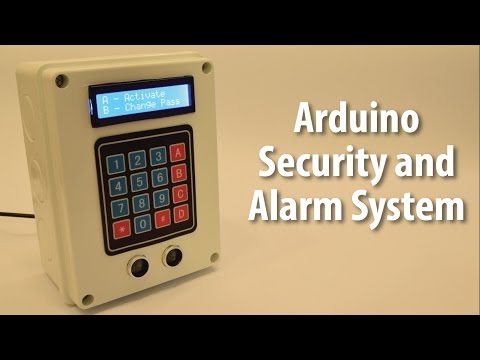
Dejan Nedelkovski had built an Arduino security and alarm system project that uses an ultrasonic sensor for detecting objects and...
by Lucky @ elektormagazine.com build a LED display clock able to display temperature, humidity and air pressure.
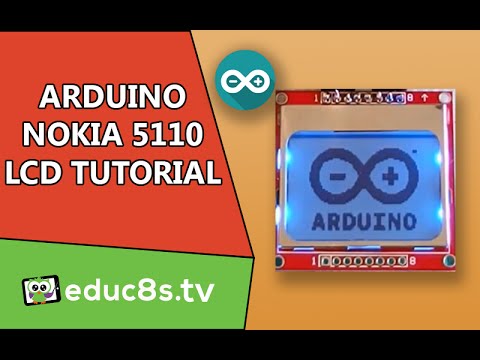
In this easy Arduino Tutorial educ8s.tv is going to show us how to create a Menu on a Nokia 5110 LCD display.
If you want to take a timelapse with your camera, it may be helpful to use an intervalometer.
Born in 2014 from the simple idea of making 3D printing accessible for everyone, Filippo Moroni and Pietro Gabriele worked on new...
circuitbasics.com writes: In this tutorial, I’ll explain how to set up an LCD display on an Arduino, and show you all the f...
A tiny pixel font rendered to an LCD display, in under 1K program space.
In this instructable by gustavio101 you will know how to make a capacitance meter using Arduino displayed on the TM1637 display...
In this video tutorial educ8s.tv shows us how to load bitmap graphics in our Arduino Touch Screen projects using Adafruit’s GFX l...
Tiny Bar-Graph display provide a Red color, bright, easy to read display which is proportional to the force applied on the FLEX...
Have you ever been unsure which display you should be using in your next project?