Circuit Design - Simulation
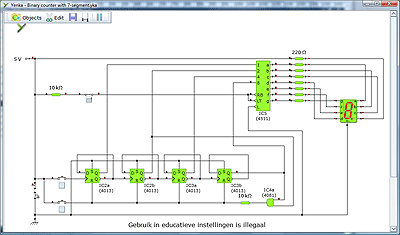
Yenka
Download
Design and test analogue and digital electronic circuits, convert them to PCB layouts, and program PIC or PICAXE microcontrollers.
Download
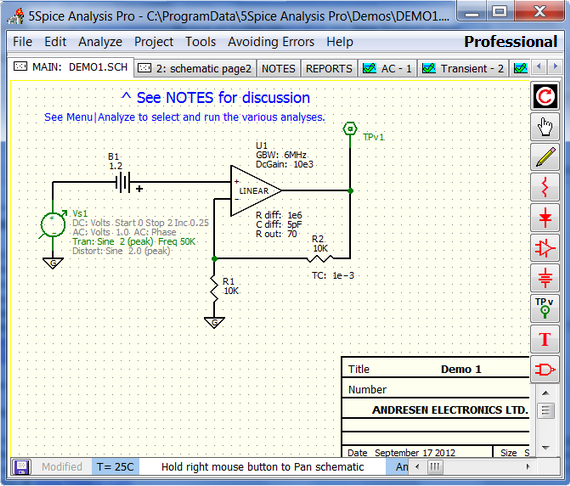
5Spice
Download
5Spice provides Spice specific schematic entry, the ability to define and save an unlimited number of analyses, and integrated graphing of simulation results. Plus easy inclusion of Spice/PSpice® models from a user expandable library. The focus is on analog circuit analysis and design at the component level. Student level MOSFET IC design is also supported but not compatible with HSpice® model libraries.
Author:
Cadence Design Systems
License Type:
Trial
Size:
7.60MB
Hits:
2200
Website:
http://5spice.com
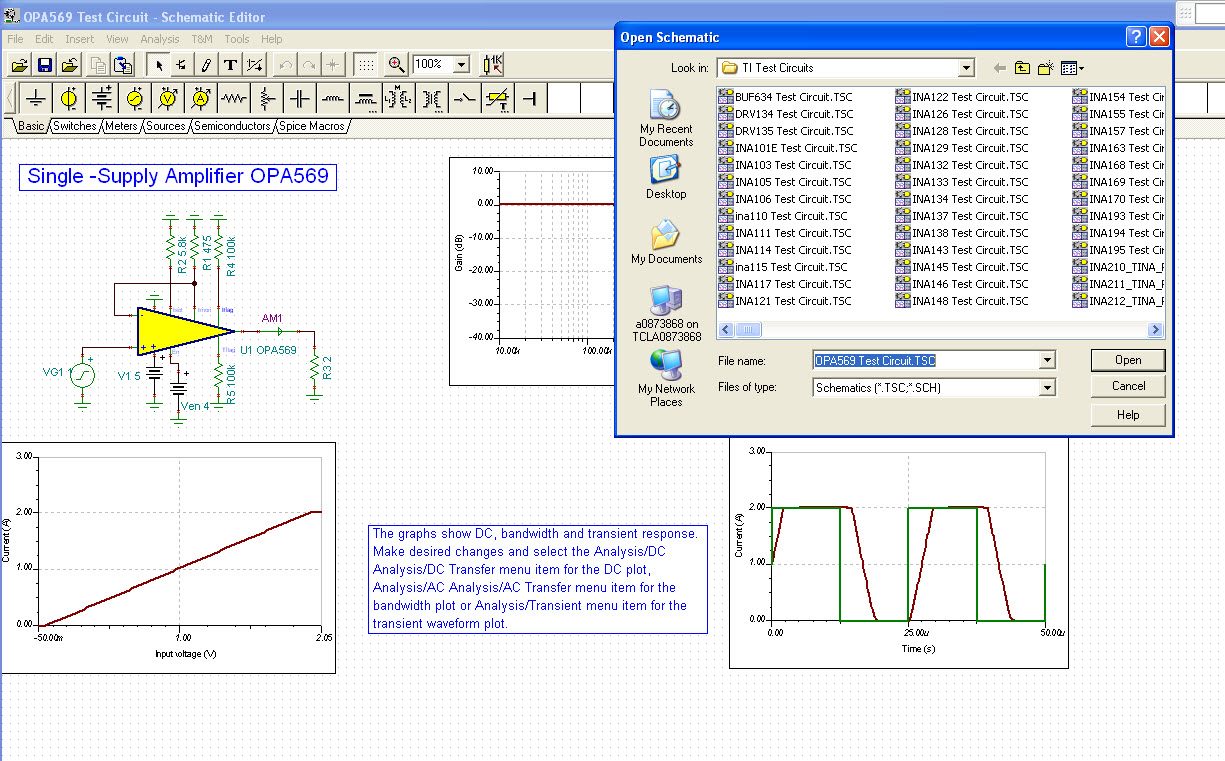
SPICE-Based Analog Simulation
Download
TINA is an easy-to-use, powerful circuit simulation tool based on a SPICE engine. TINA-TI is a fully functional version of TINA, loaded with a library of TI macromodels plus passive and active models.
Author:
Texas Instruments
License Type:
Size:
-MB
Hits:
101425
Website:
http://www.ti.com/tool/tina-ti
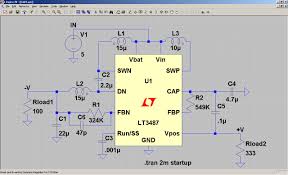
LTspice
Download
LTspice® is a high performance SPICE simulation software, schematic capture and waveform viewer with enhancements and models for easing the simulation of analog circuits. Included in the download of LTspice are macromodels for a majority of Analog Devices switching regulators, amplifiers, as well as a library of devices for general circuit simulation.
Our enhancements to SPICE have made simulating switching regulators extremely fast compared to normal SPICE simulators, allowing the user to view waveforms for most switching regulators in just a few minutes. This video provides an overview of the advantages of using LTspice in an analog circuit design and how easy it is to get started.
Author:
Analog Devices
License Type:
Freeware
Size:
40MB
Hits:
65354
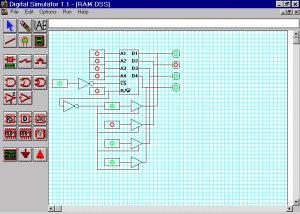
Digital Simulator 1.1
Download
Digital Simulator has a toolbar of digital circuit elements, including logic gates, flip-flops, switches, and indicators. Drawing a circuit with Digital Simulator is like using a paint program. You click the element's icon on the toolbar, then click where you want the element to go. You use a similar procedure to draw wires and indicate connections. It's that simple.
Author:
Ara Knaian
License Type:
Freeware
Size:
1.83MB
Hits:
40213
Website:
http://www.mit.edu/~ara/ds.html