
Arduino App Lab 0.10 Adds AI Agent for Code Generation and Debugging
The latest software launch from Arduino brings a smart assistant that can build, fix, and update your projects step-by-step, making hardware development much easier.
Arduino has just launched version 0.10.0 of its App Lab software. While the version number might look like a small jump from 0.9.0, this update features a major new tool: Agentic Mode. This feature adds an AI coding assistant directly into your workspace to help you write, edit, and fix your code.
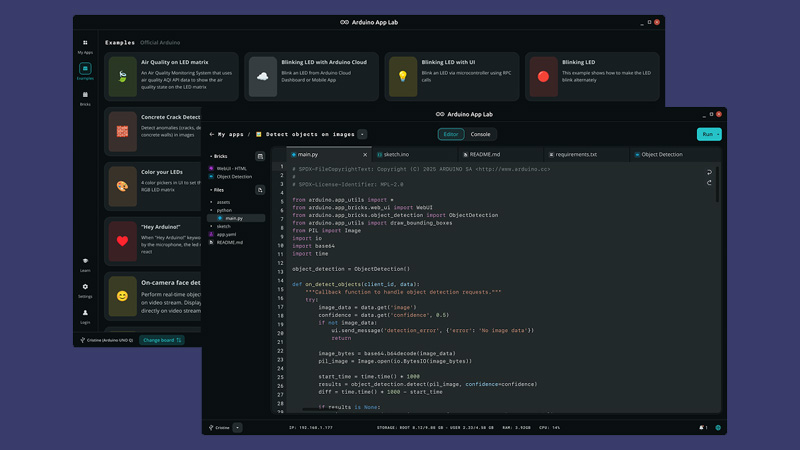
Arduino App Lab 0.10.0 features an integrated code editor for developing and running applications on the UNO Q
AI-Assisted Development with Agentic Mode
As mentioned earlier, in App Lab 0.10.0, you get Agentic Mode, which allows an AI agent to interact directly with the development workspace. The feature uses the Model Context Protocol (MCP) together with the Arduino App CLI, giving the agent access to the project environment. It can inspect the workspace, create and edit files, run applications, stop them when required, and examine errors generated during execution.
This means you can describe a feature or modification and have the agent implement it within the project, rather than simply generating code for manual copying. The agent also has context for Arduino App Lab Apps, Bricks, and Sketches, allowing its assistance to be tailored to the platform.
Language Server Adds IDE-Style Features
App Lab 0.10.0 also introduces Language Server support, which brings several development features normally associated with full-featured IDEs like autocomplete, automatic formatting, hover documentation, go-to-definition, and reference finding. These features are available across Arduino sketches, Python, HTML, CSS, and JavaScript.
Note: Language Server support is not available when using the UNO Q in Single-Board Computer (SBC) Mode.
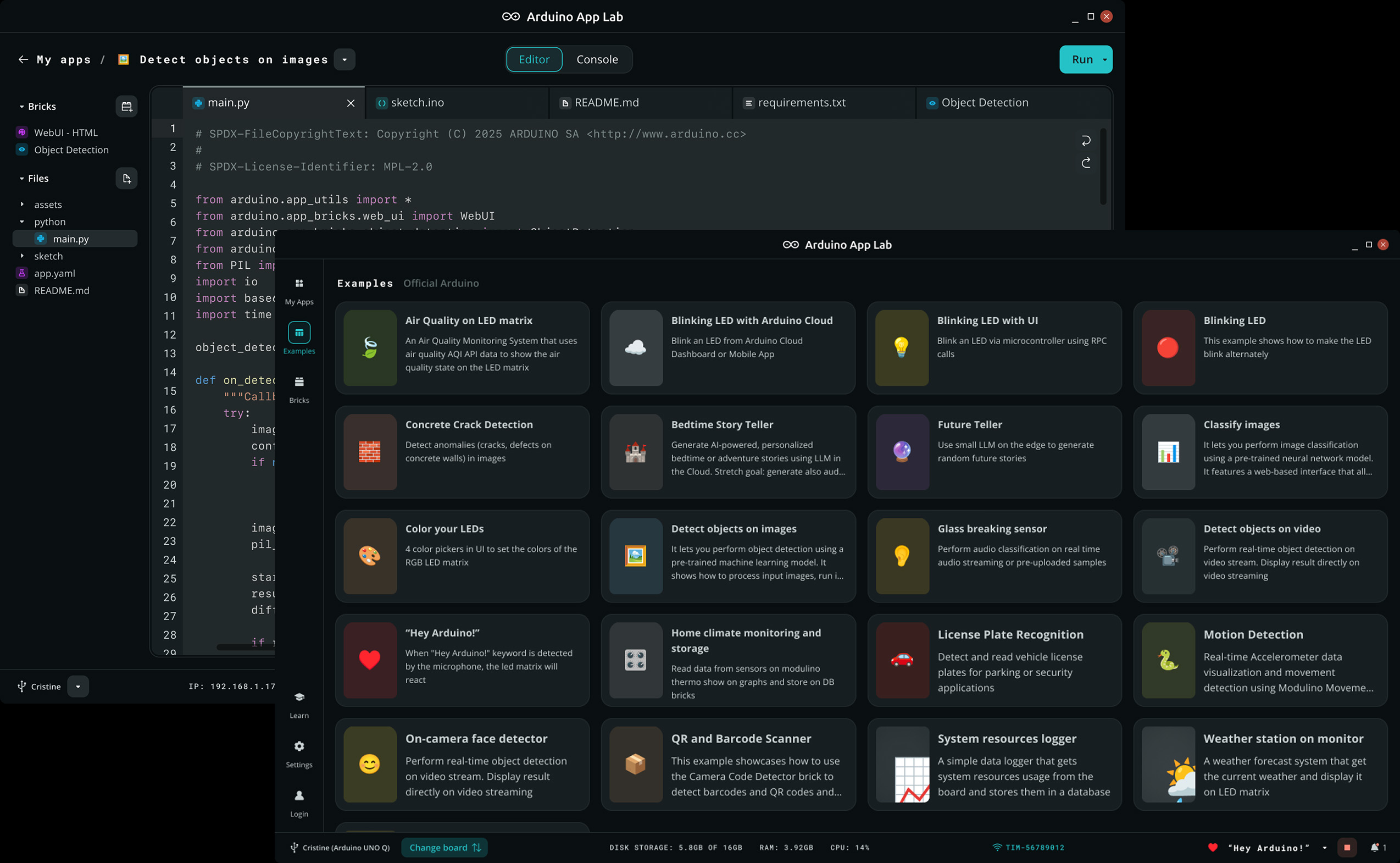
Arduino App Lab provides a catalog of examples covering AI, IoT, computer vision, sensors, and other embedded applications
Bring Your Own AI Key
Agentic Mode follows a bring-your-own-key model, meaning users authenticate with their own AI provider accounts and remain responsible for API usage and associated costs. Claude is the first supported provider, while Arduino says additional AI providers are planned for future releases.
Arduino Cloud Provisioning
Arduino has also simplified the process of connecting an UNO Q board to Arduino Cloud. The board can now be provisioned directly from the Settings page in App Lab, removing the need to switch to another tool during setup. Once registered, the board can be used for Arduino Cloud-enabled IoT applications.
Bug Fixes and Availability
Alongside the new development features, App Lab 0.10.0 includes several bug fixes and stability improvements. The release addresses crashes related to symbolic links and improves model download handling when network connections are unreliable.
Arduino App Lab 0.10.0 is available for download for UNO Q and VENTUNO Q development. The platform combines traditional Arduino C++ sketches with Python-based application development, Bricks, and AI models in a single environment. The App Lab software is open source under the GPL-3.0 license.
Images used courtesy of Arduino


