Projects Projects
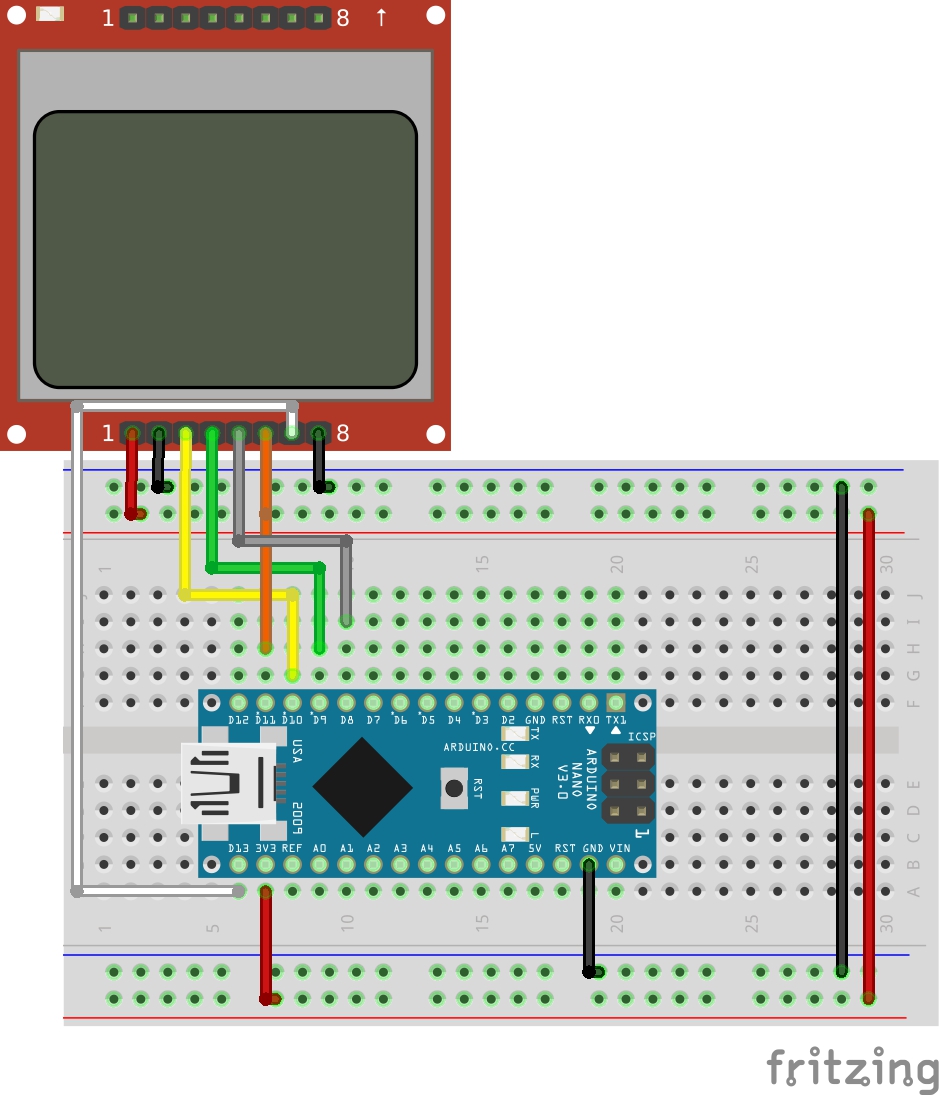
PC Hardware Monitor with Nokia 5110 Display and Arduino
Either for benchmarking purposes or as external telemetry to help you stay within the acceptable range for your computer power, super users usually have the desire to have a way of knowing what the performance numbers of your PC are.
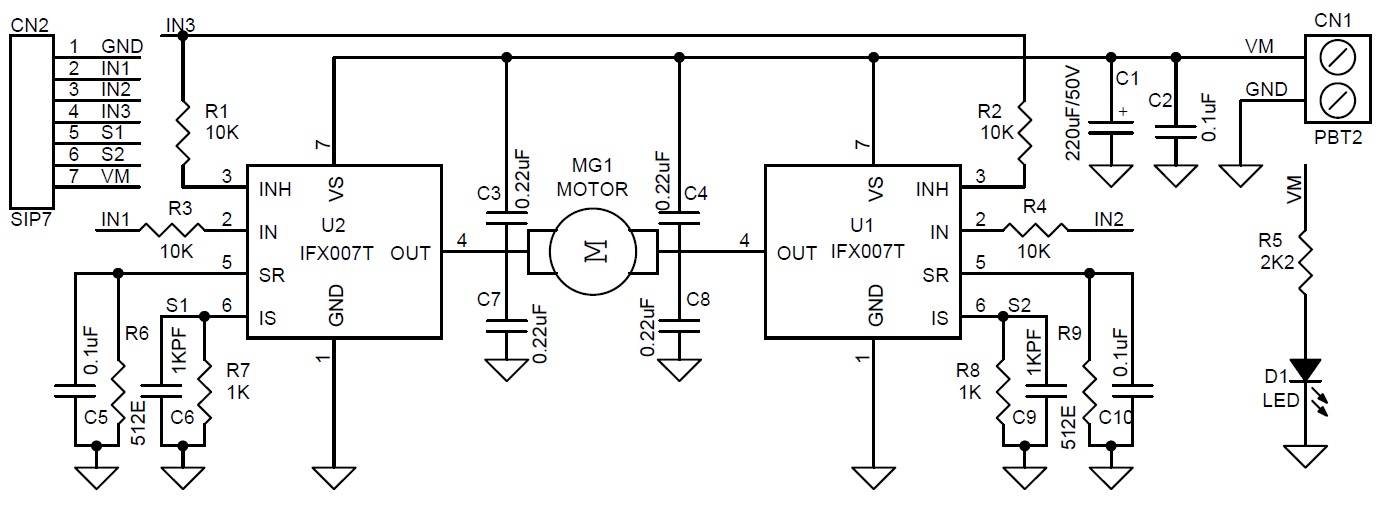
High Power Bidirectional DC Motor Driver using IFX007T
This motor driver circuit can drive a brushed DC motor with up to 250W of continuous load.
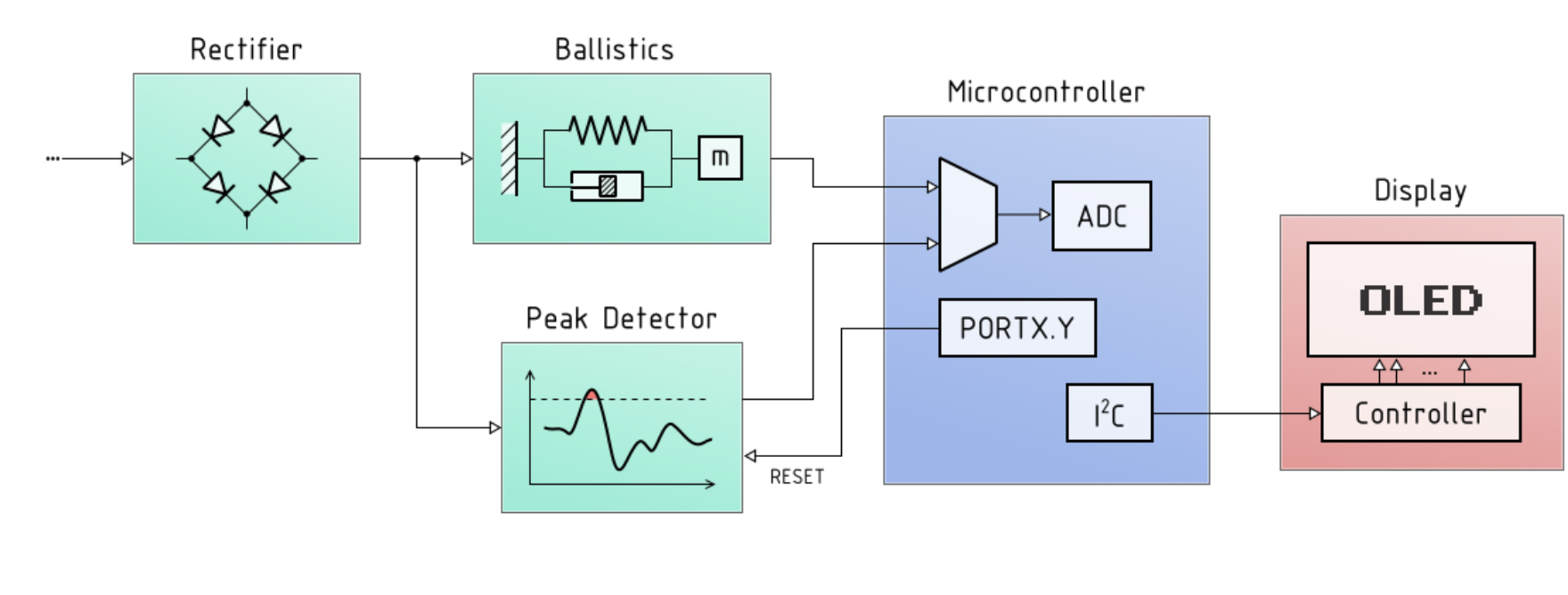
OLED display audio VU meter – AVR/Arduino project
Today we are going to build one of the most important tools in sound mixing; A audio VU (volume unit) meter based on an Arduino/AVR microcontroller.
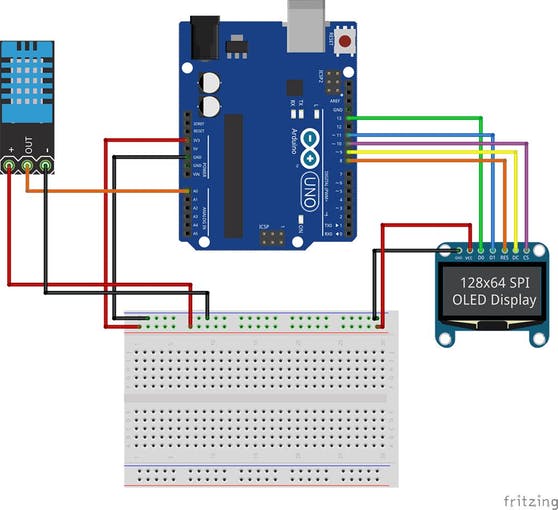
Arduino OLED Hygrometer and Thermometer using DHT11
Hygrometers are used to determine the moisture content of the environment.
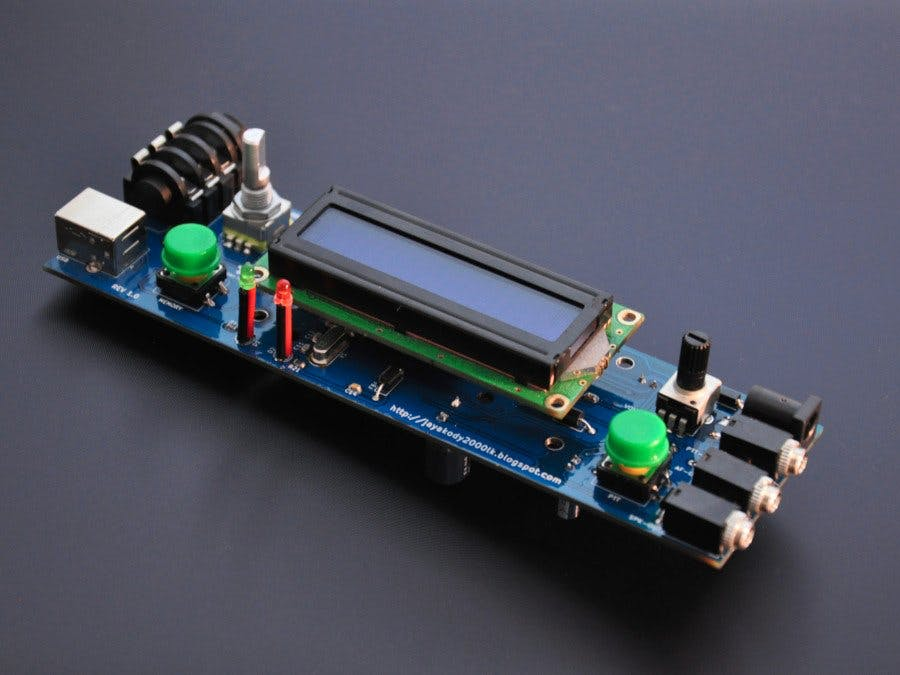
USB Auto MORSE Keyer
USB Morse Keyer is a microcontroller-based auto keyer with following features: USB / straight key / iambic key inputs.
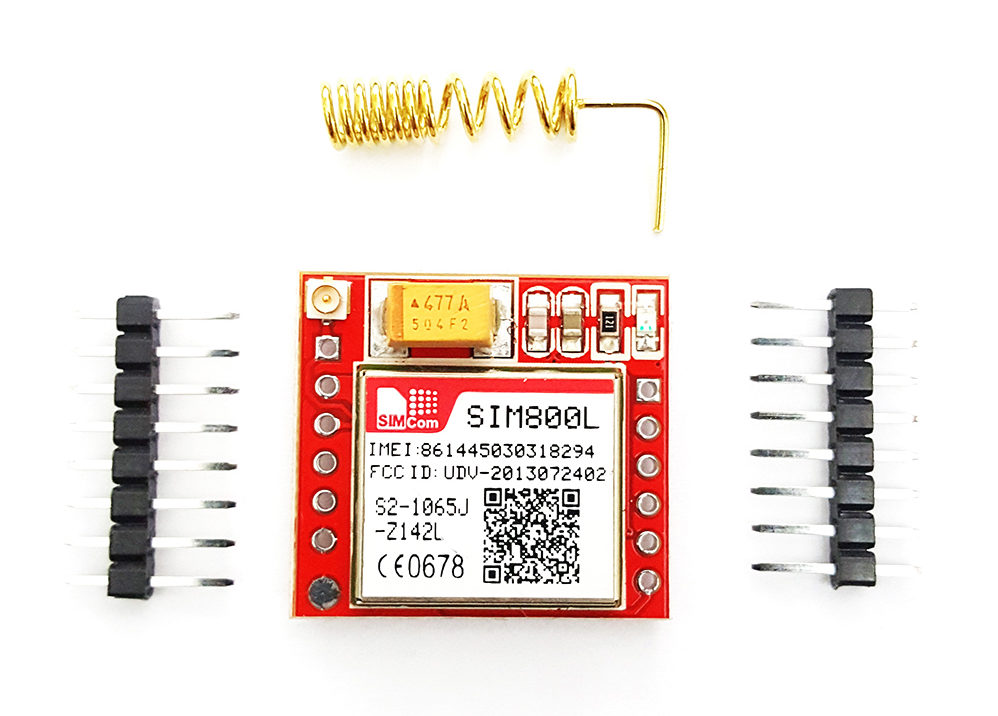
SIM800L GSM module with Nokia 5110 LCD and Arduino
Over the past few tutorials, we have explored different projects that involve building GUI interfaces and menu on the Nokia 5110 LCD display.
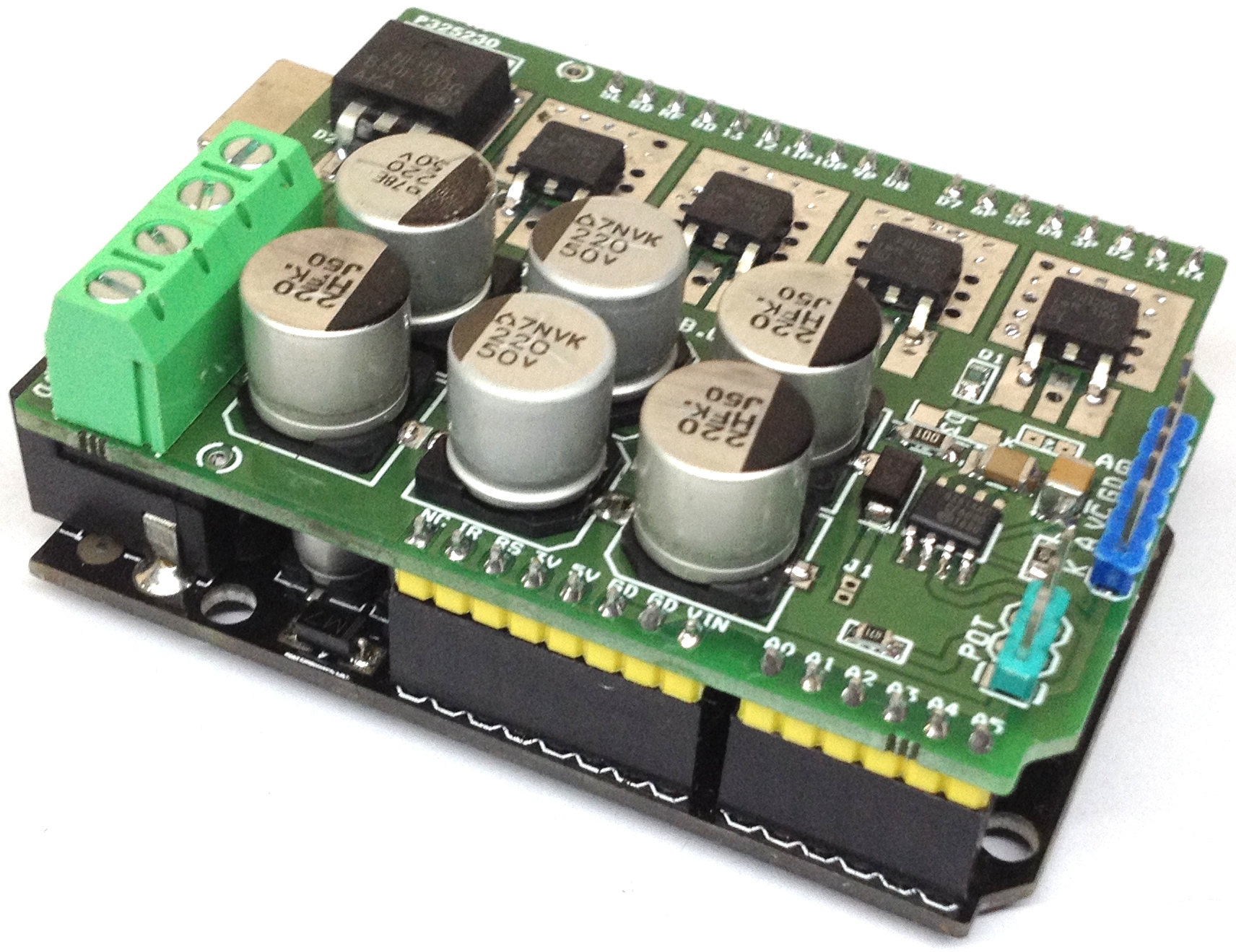
Isolated High Power DC Solid-State Relay Shield for Arduino
Isolated high power Mosfet DC solid state relay shield allows you to control high current DC load in switching or PWM control mode.
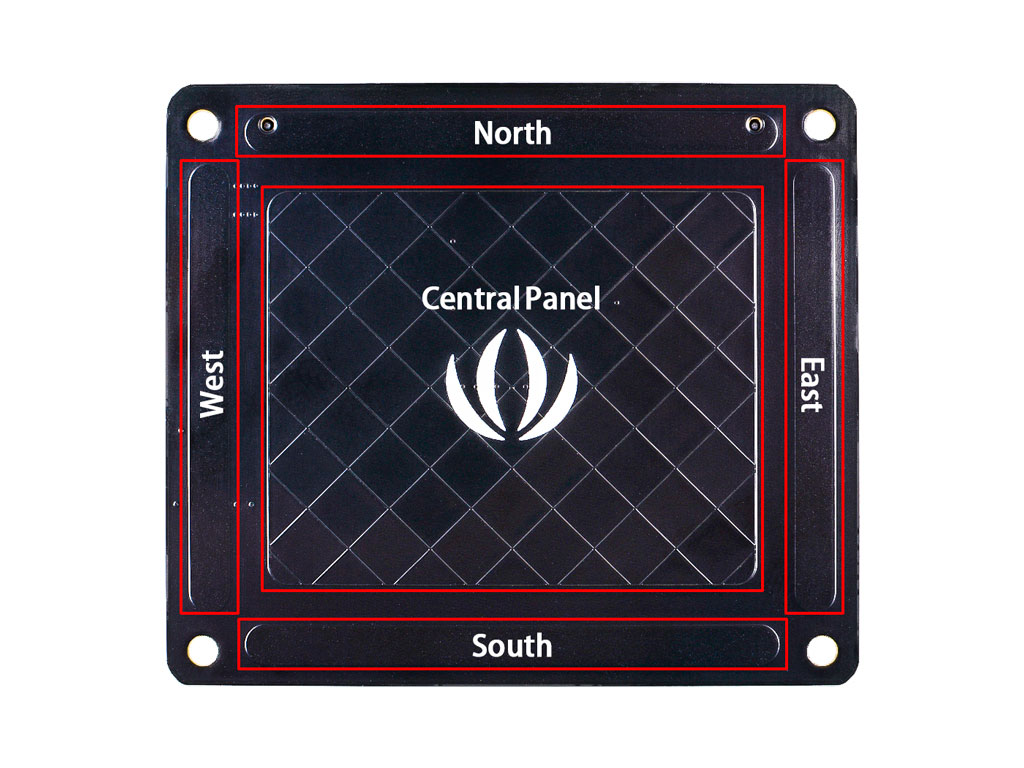
3D Gesture Controlled Robotic Arm using the Seeed MGC3130 and Raspberry Pi
Interested in controlling an object or device without physically touching it?

Programming STM32 Based Boards with the Arduino IDE
Since it’s inception the Arduino IDE has demonstrated the desire to support all kind of platforms, from Arduino clones and variations of different manufacturers to third party boards like the ESP32 and ESp8266.
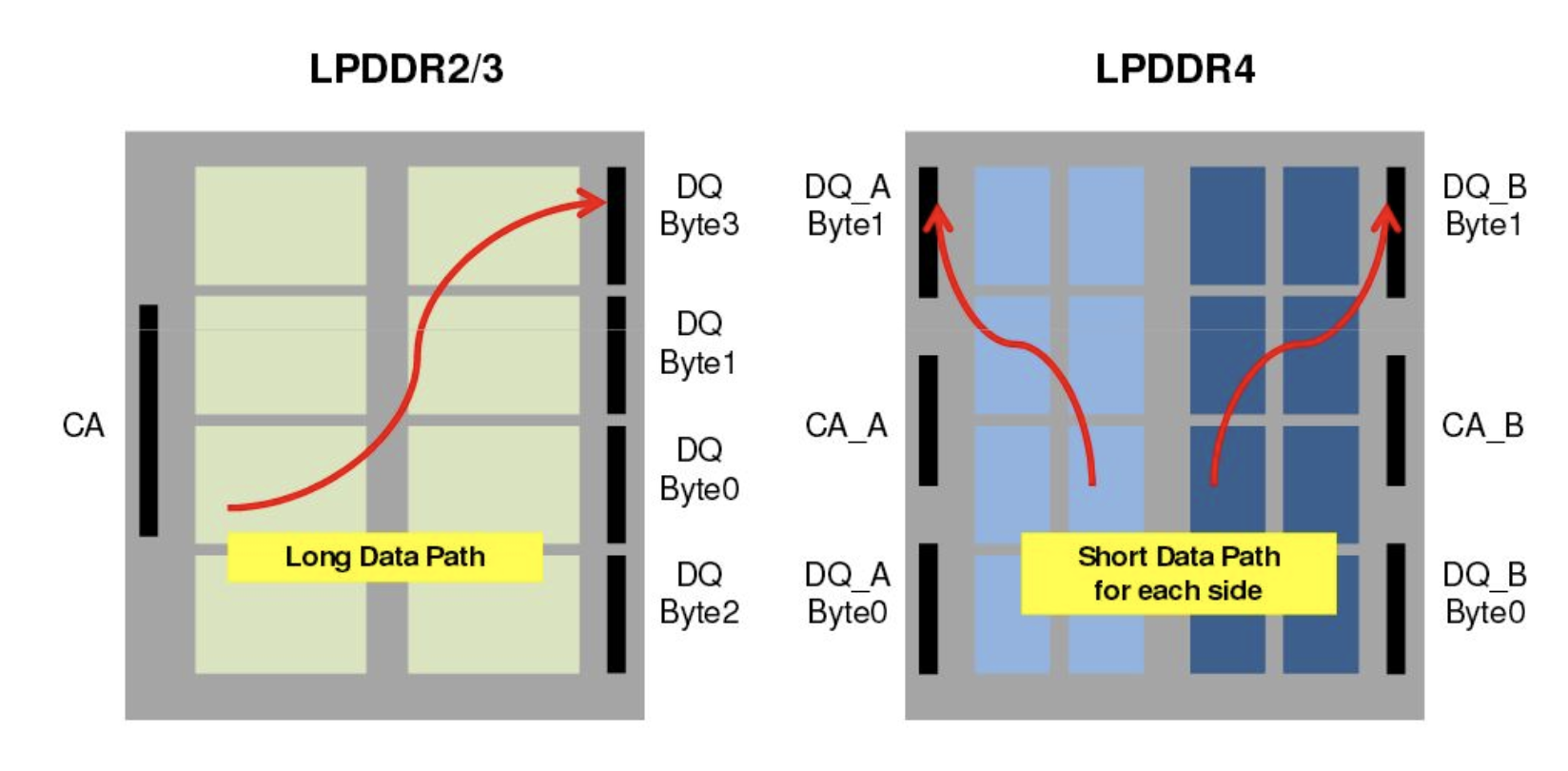
Raspberry Pi 4 – A Look Under the Hood and How to Make most of it
The Raspberry Pi 4 was announced a while back and it surpassed the expectations of many, with many new features from its dual-core, Cortex-A-72 processor at 1.5GHz to the modern communication ports among several other upgrades.
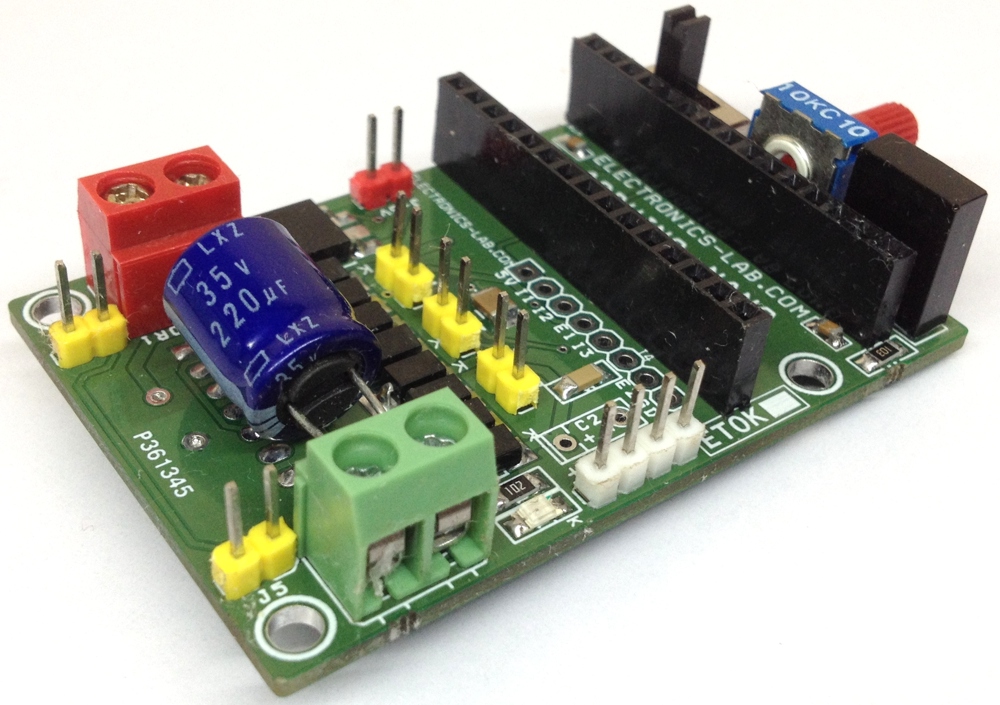
InfraRed Robot Controller Shield For Arduino Nano
This compact Infrared robot controller is based on Arduino Nano and L298 H-Bridge.
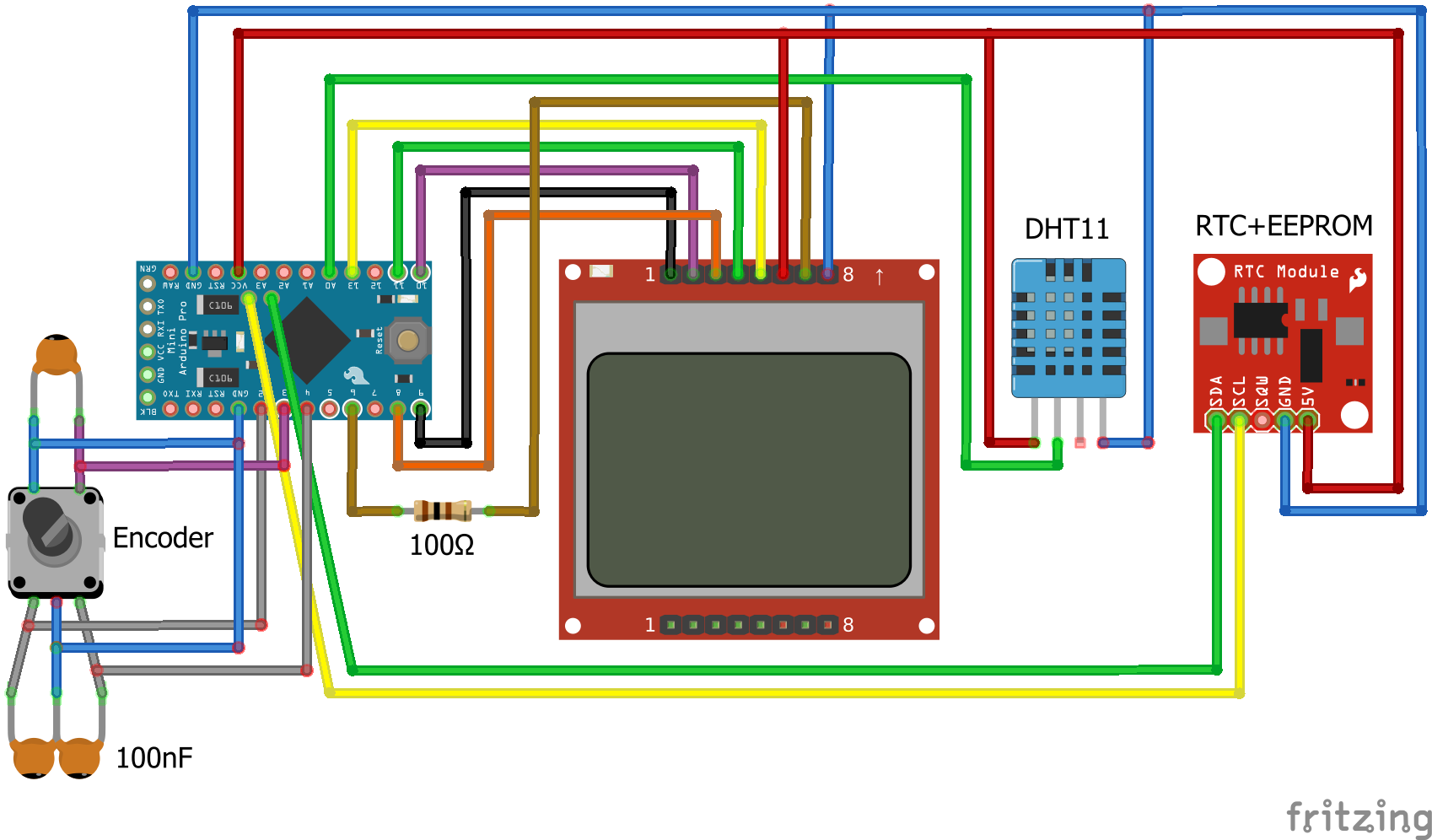
Nokia 5110 LCD based Arduino Datalogger with Menu
Over time, we have built several Arduino based weather stations, real-time clocks, dataloggers and a dozen of projects based on Nokia 5110 LCD display.