
The UNO R4 WiFi Now Supports Bluetooth Provisioning With Arduino Cloud
The UNO R4 WiFi is the first Arduino board with Bluetooth provisioning, enabling fast, cable-free setup and management on Arduino Cloud.
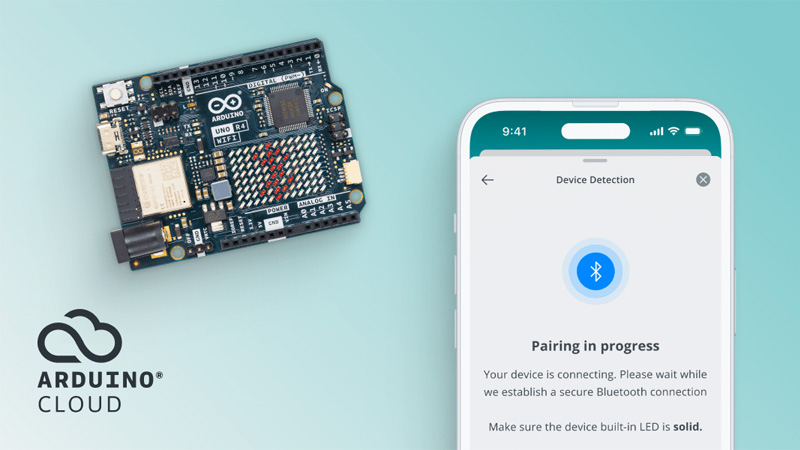
Arduino’s new Provisioning flow works with Android/IOS App
Arduino has recently introduced a new Bluetooth-based provisioning flow on the Arduino Cloud, making it possible to set up and manage devices on Arduino Cloud without cables. This new feature is designed to make the first connection faster and easier for anyone building connected projects.
The setup process is simple, and it works via the Arduino IoT Cloud Remote app. After the board is powered, it gets automatically detected, and you can choose a Wi-Fi network directly from your phone and connect to it. The whole process is simple and takes a few minutes to set up. Once the board is connected, it can be managed on Arduino Cloud, and you can do various things like remote monitoring, real-time dashboards, over-the-air updates, AI Assistant support, and third-party integrations. At the time of writing, the feature is only avail to UNO R4 WiFi boards. If I had to assume, I suppose the new board will ship with a special bit of firmware that will let you do this easily. This new board will include a three-month Arduino Cloud Maker Plan subscription. Other boards will gain support in future updates.
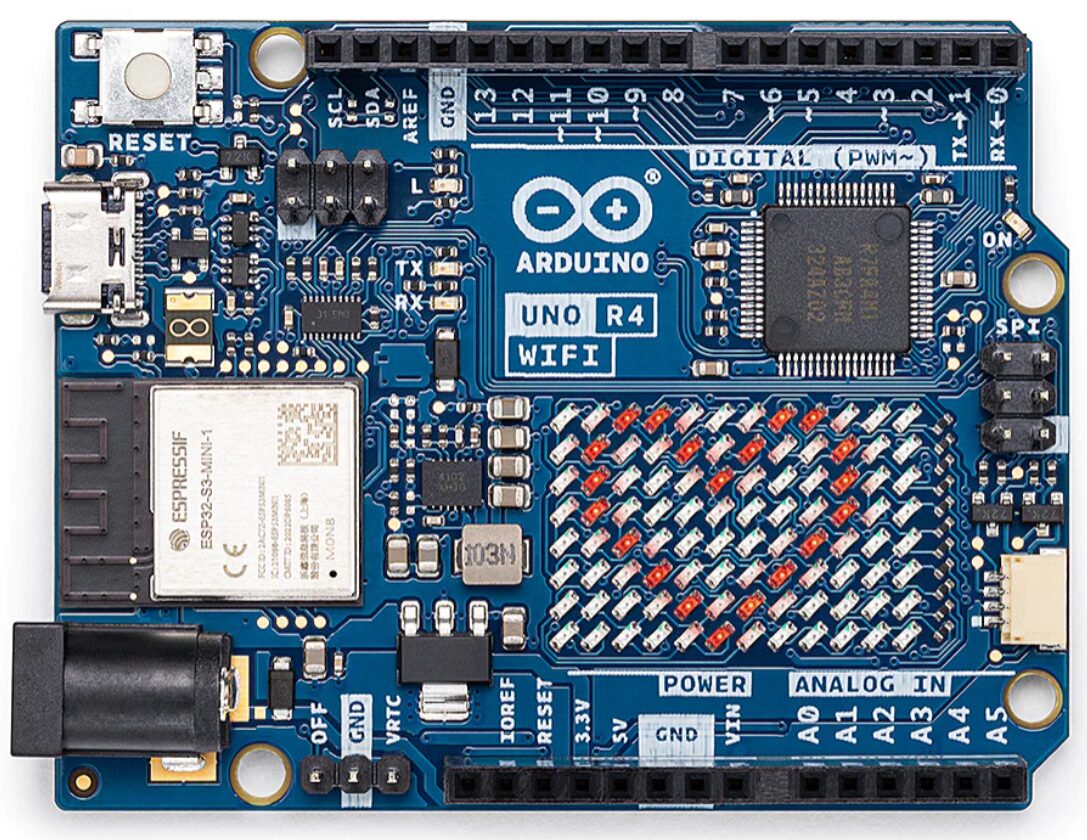
Arduino UNO R4 WiFi board
The new Bluetooth provisioning system replaces older methods like captive portals or manual firmware changes. Till now, we had to edit the code and connect to a temporary hotspot to provide Wi-Fi details. Espressify introduced Bluetooth provisioning way back, but the process was not as simple as Ardduinoi has made. Arduino’s approach is much simpler: just turn on the board, open the Arduino IoT Cloud Remote app, and select the Wi-Fi network.
At the time of writing, the system only works with the Arduino UNO R4 WiFi, but various other boards will be supported later. A full list of supported devices can be found in the Bluetooth provisioning section of Arduino’s device provisioning documentation. Provisioning is handled through Bluetooth on the Arduino IoT Cloud Remote app for Android and iOS.
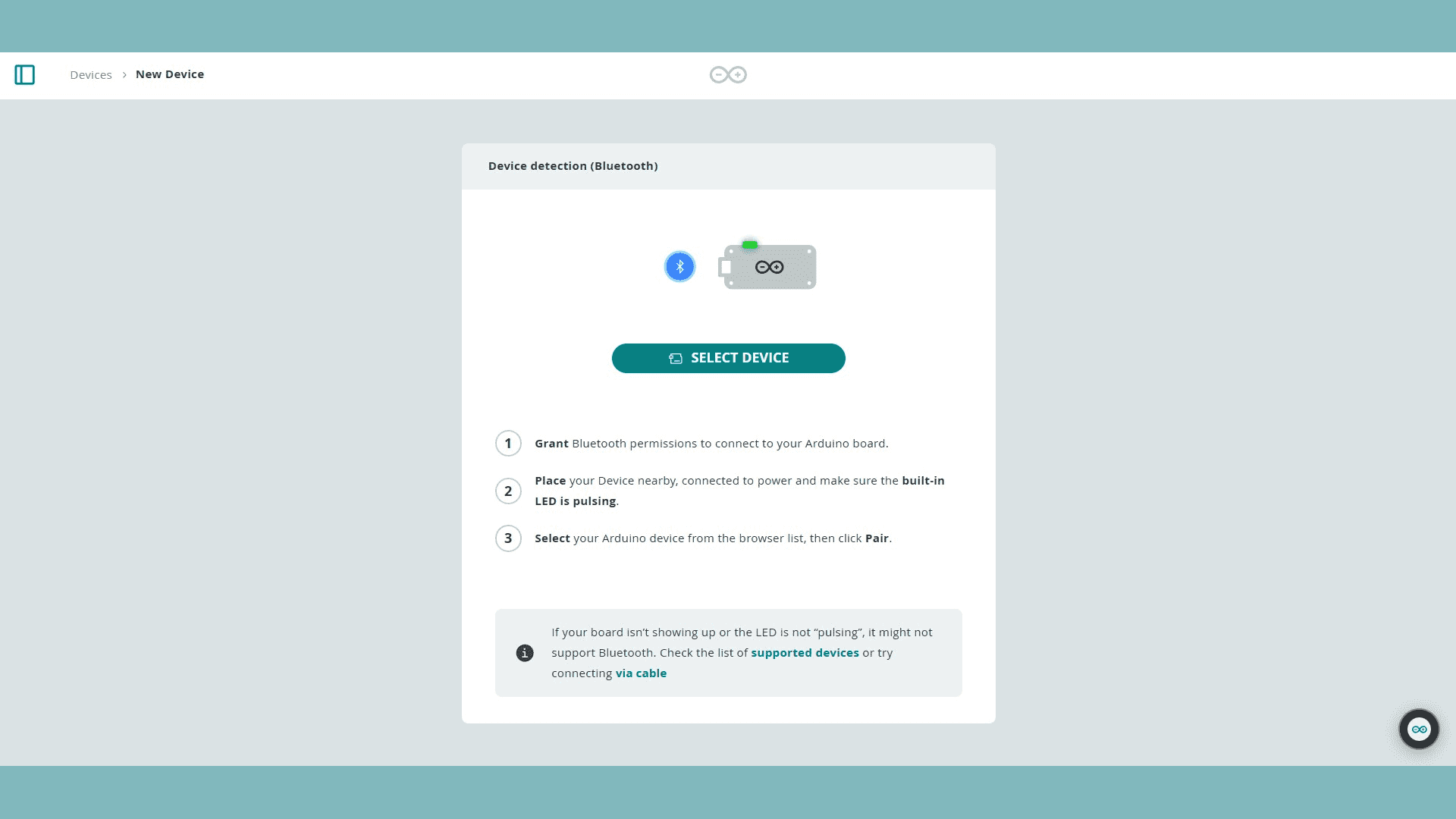
Bluetooth Device Selection page
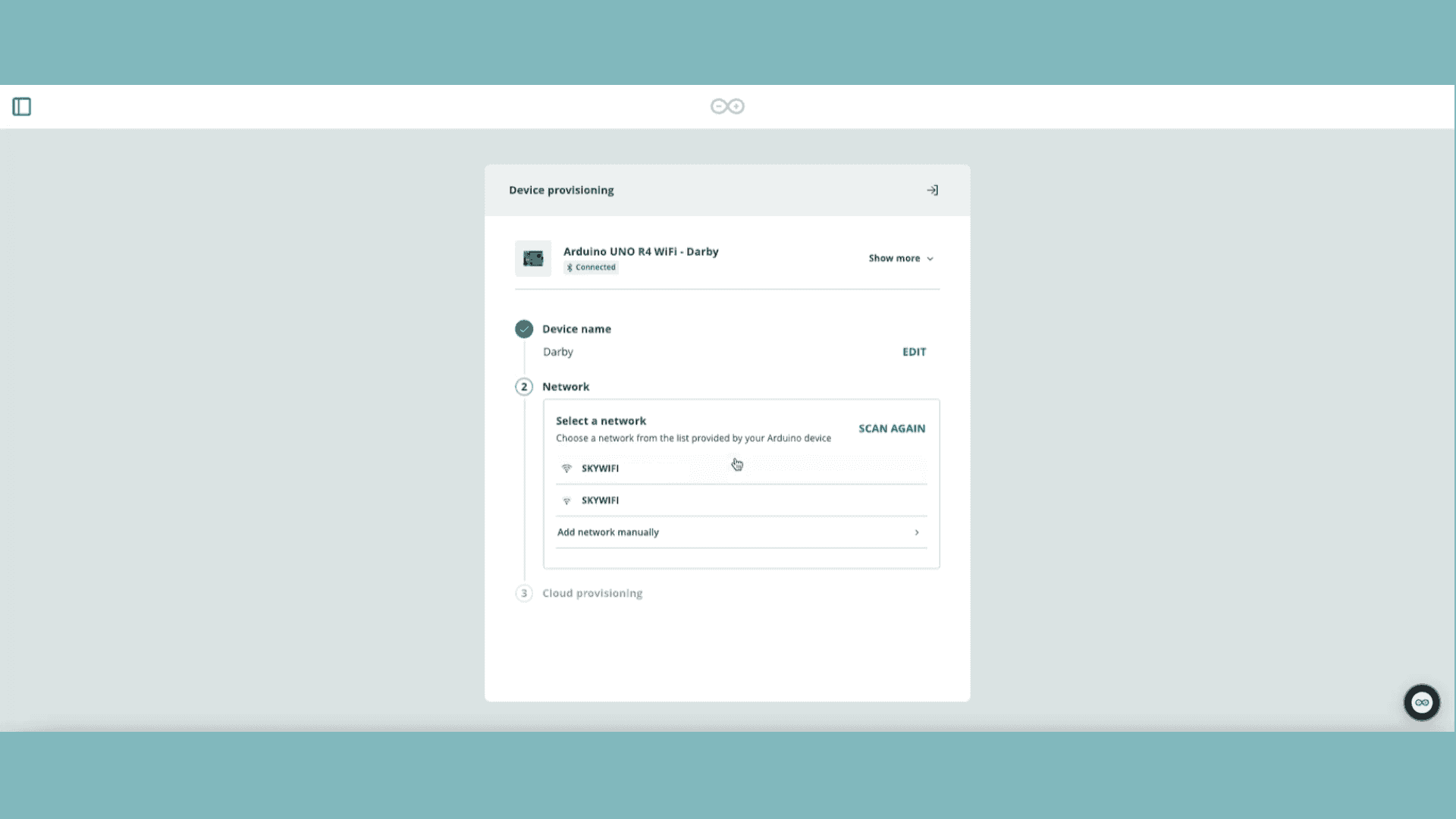
Configure the network via Bluetooth
For those interested in testing the new flow, all you need is an Arduino UNO R4 WiFi and the Arduino IoT Cloud Remote app, which is available for both Android and iOS. Detailed instructions, including setup steps, migration from older provisioning versions, and ways to reset or remove saved Wi-Fi networks, are available in the documentation and products page. A little more information can be found on the press release page.
Images used courtesy of Arduino.


