
SnapEDA Desktop App is now available for Windows
What is the SnapEDA Desktop App? SnapEDA mission is to help engineers build products faster by removing design barriers.
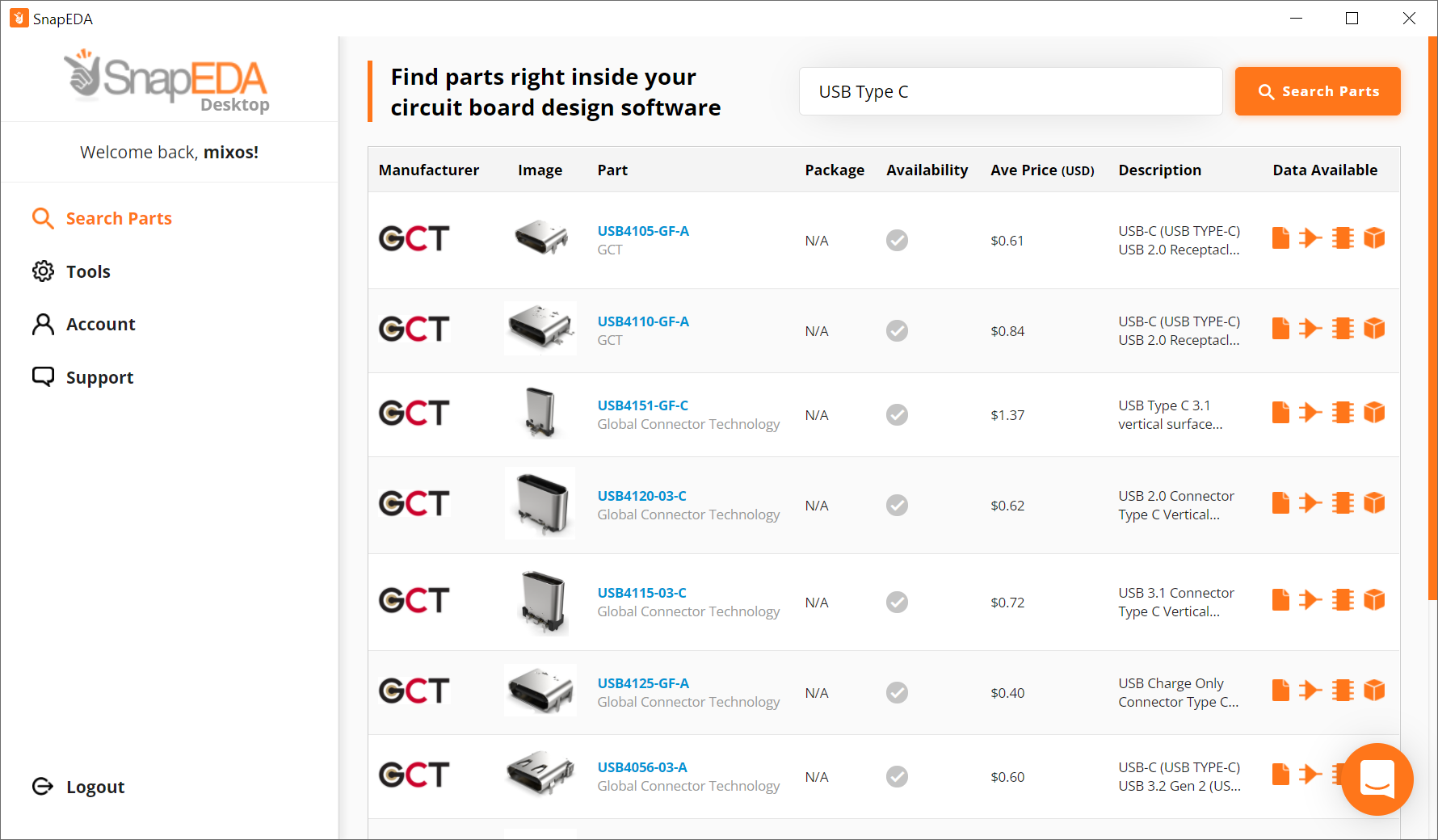
What is the SnapEDA Desktop App?
SnapEDA mission is to help engineers build products faster by removing design barriers.
This is why they created the SnapEDA Desktop App.
It allows our engineers to place parts seamlessly into their CAD tools in a Snap.
DOWNLOAD THE APPFollow these steps to install the app on Windows:
- Extract the downloaded SnapEDA Setup.zip file.
- Go to the extracted folder and double-click the SnapEDA Setup.exe to start the installation.
- After the installation, you can now use the SnapEDA Desktop App.
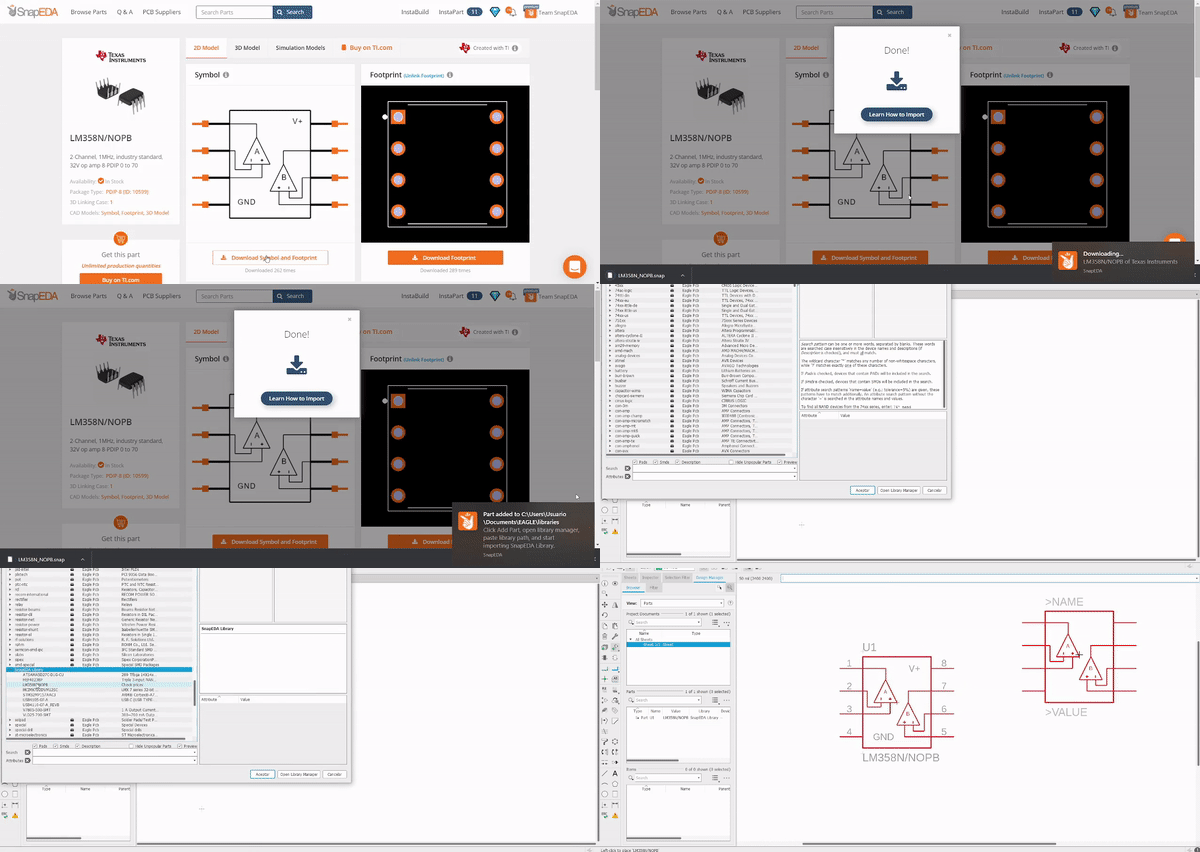
Next, find 5 useful articles on how to use this app:
- How to Use the SnapEDA Desktop App
- How to Connect your CAD Tool on SnapEDA Desktop App
- How to Place Parts on Altium using SnapEDA Desktop App
- How to Add Libraries on Eagle using SnapEDA Desktop App
- How to Add Libraries on KiCAD using SnapEDA Desktop App
NOTE: They are still optimizing the Mac and Linux versions.
Subscribe
Login
0 Comments


