
How to use PICKit+ with MPLAB-X IDE
PICKit+ recently announced that it is now possible to Program Microchip PICs from MPLAB-X using PICkit2 programmer and it's even possible for those PICs that MPLAB-X programmer operations do not support. The challenge There are many PIC microcontrollers that currently not supported by MPLAB-X or MPLAB-IPE.
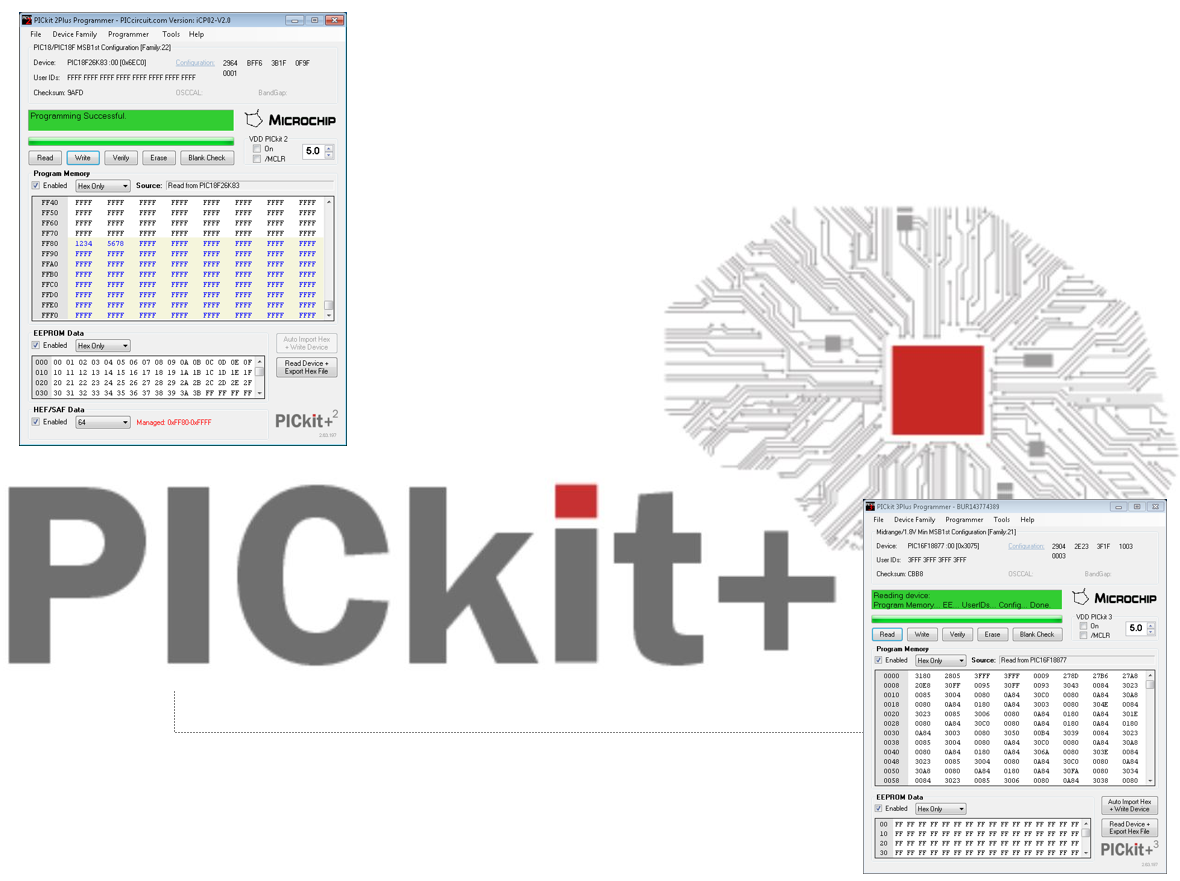
PICKit+ recently announced that it is now possible to Program Microchip PICs from MPLAB-X using PICkit2 programmer and it’s even possible for those PICs that MPLAB-X programmer operations do not support.
The challenge
There are many PIC microcontrollers that currently not supported by MPLAB-X or MPLAB-IPE. This typically includes:
- 16(L)F15xxx
- 16(L)F18xxx
- 16(L)F19xxx
- 18(L)FxxK40
- 18(L)FxxK42
- 18(L)FxxK83
- 18(L)FxxQ10
- 18(L)FxxQ43
The Solution
This can be done by using the PICkit2 programmer and integrate it with MPLAB-X and be able to program old and new PICs.
- Easy to integrate
- No complex firmware changes required
- Leverages your current investment in your programmers
- The complexity of the MPLAB-X programmer setup removed. It just works.
- Support clone PICkit2 programmers
And the same applies to PICkit3 programmers.
Video
A demonstration
Program a 18F24k42 to flash an LED
- Create and edit MPLAB-X project to flash Porta.0
- Configure MPLAB-X project to use PICKitPlus
- You can use a PICkit2 or PICkit3 programmer
- Review results
for more details on the process check the video above.


