 login
login




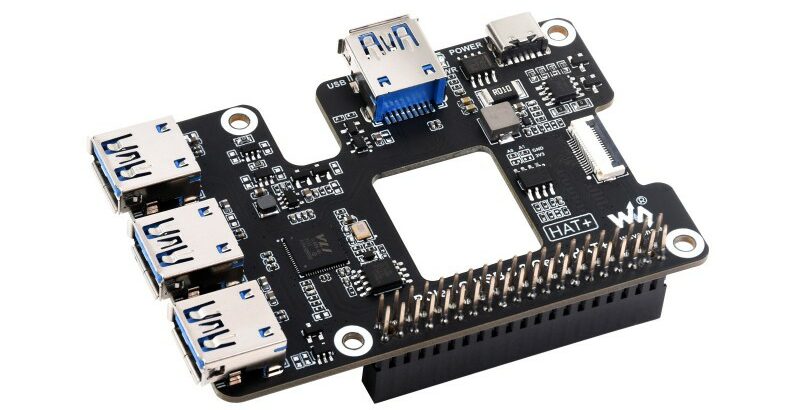
Add four USB 3.2 ports to your Raspberry Pi 5 with the Waveshare PCIe to USB HAT+
The Waveshare PCIe to USB HAT+ is designed to extend the capabilities of the Raspberry Pi 5 or the Rockchip Rock Pi boards by adding four more USB 3.2 high-speed USB ports. The module will also feature real-time power status monitoring and allow USB power management through software....
Continue Reading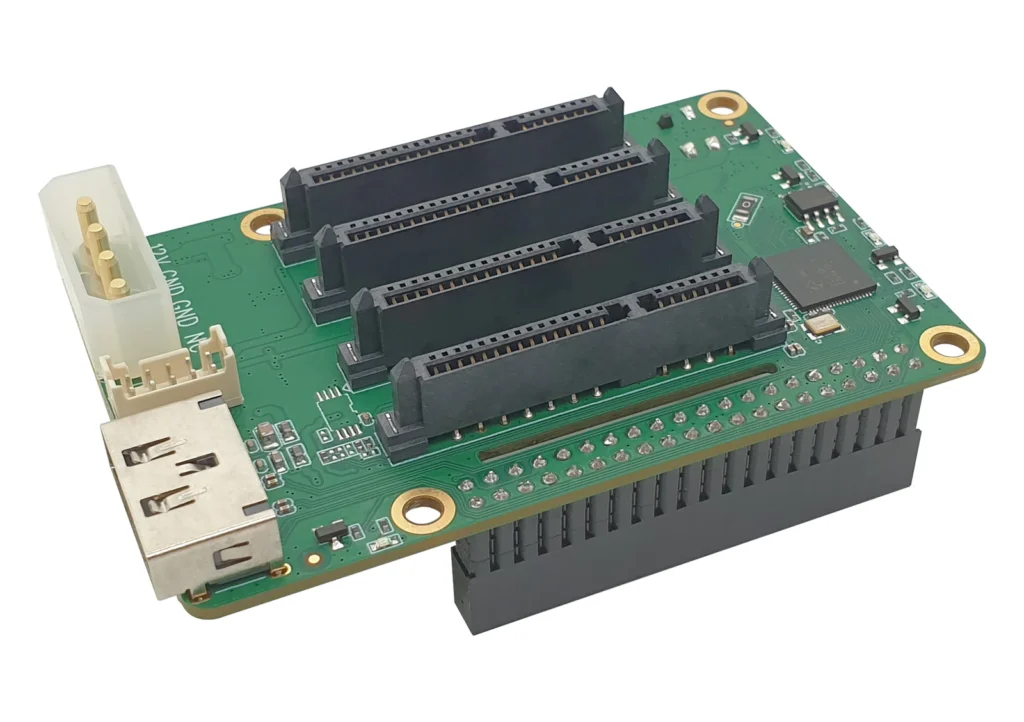
Radxa Penta SATA HAT for RPi and Rock Pi Supports up to 5, 100TB SATA HDD
The Radxa Penta SATA HAT is a NAS board designed for RADXA's Rock Pi and Raspberry Pi, enabling the connection of up to five HDD/SSD drives. This allows for the construction of powerful NAS systems with up to 100TB of storage. The device supports up to five HDD/SSDs, four of which are...
Continue Reading
NEXCOM TCA 6710 – A 1U Rackmount Edge and Cloud Computing Solution Powered by Marvell OCTEON 10 Technology
The NEXCOM TCA 6710 is a 1U rackmount PC/server/AI Edge computer thingy, also referred to as an accessory, powered by the Marvell OCTEON 10 COM-HPC module. It features an 8-core 2.5GHz Armv9 Neoverse N2 processor with 25GbE ports for enhanced computing. Designed for scalable solutions,...
Continue Reading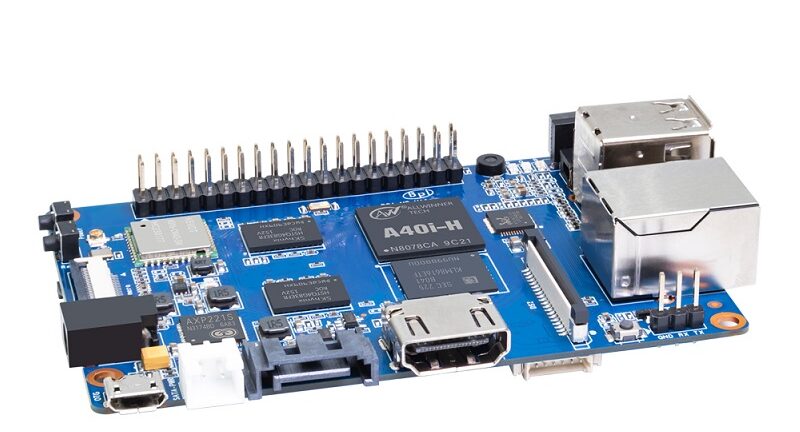
Banana Pi BPI-M2 Ultra – An Allwinner A40i-Powered SBC with SATA, WiFi, and Enhanced Media Performance
The Banana Pi BPI-M2 Ultra is an Allwinner A40i, Cortex-A7-based SBC which supports a wide -40°C to +85°C industrial temperature range. The SoC was first released in 2018, but the Banana Pi BPI-M2 Ultra is the first board to utilize this SoC. However, using an industrial-grade SoC...
Continue Reading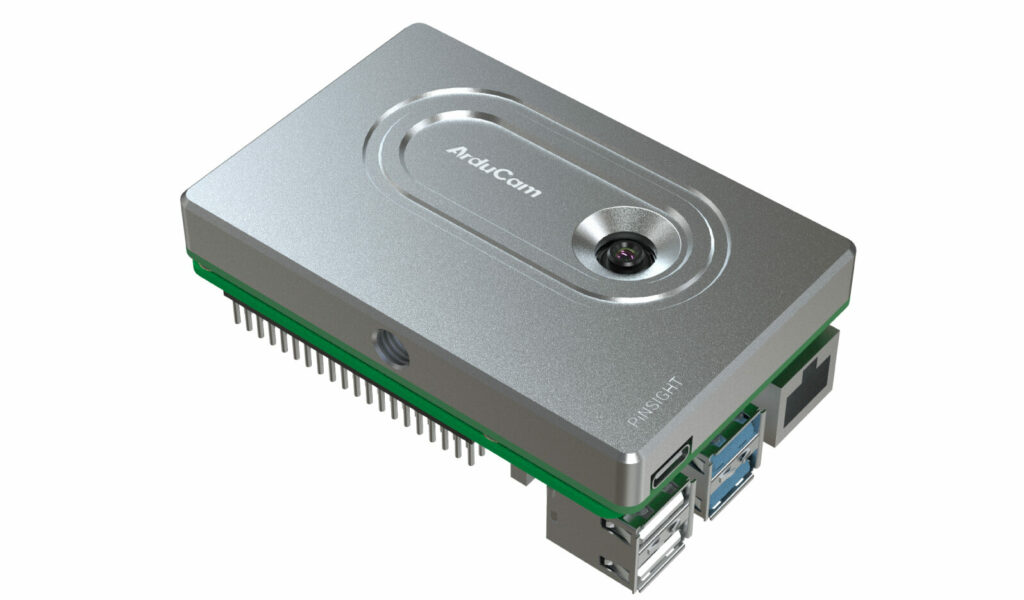
ArduCam PiNSIGHT is An AI Camera Board for the New Raspberry Pi 5
Arducam PiNSIGHT is a 12.3MP auto-focus enabled AI camera board designed to work with the new Raspberry Pi 5 module. It features a Luxonis OAK-SoM, enabling it to run local computer vision algorithms with a processing power of 4 TOPS. The PiNSIGHT AI Mate is mounted beneath the...
Continue Reading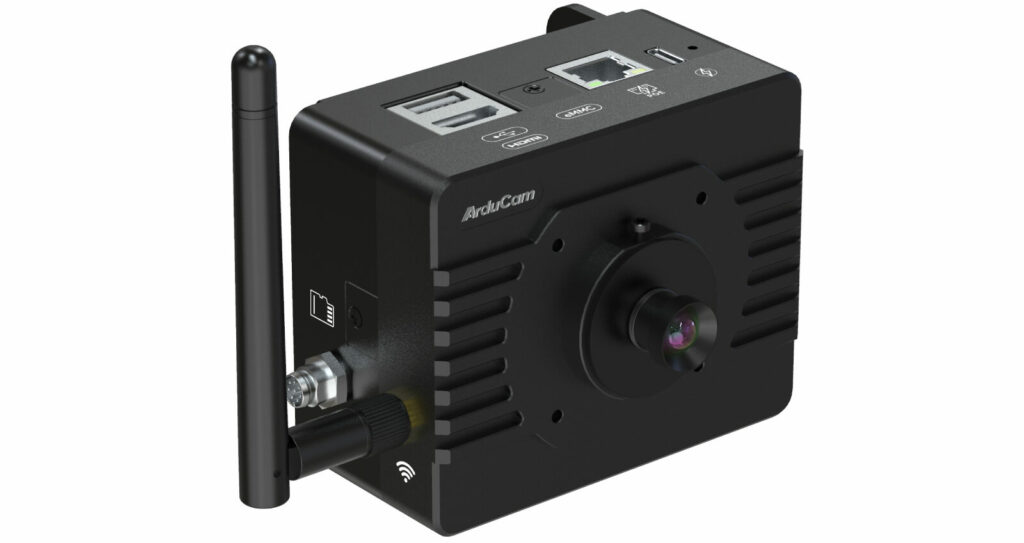
ArduCam KingKong – An RPi CM4-Based AI Edge Camera That Combines OAK-SoM
Arducam has recently announced the ArduCam KingKong a Raspberry Pi CM4-based Smart Edge AI camera based on Luxonis OAK-SoM all housed in a compact metal casee. This camera module is similar to the Raspberry Pi 5-powered Arducam PiINSIGHT camera which we've written about in a previous...
Continue Reading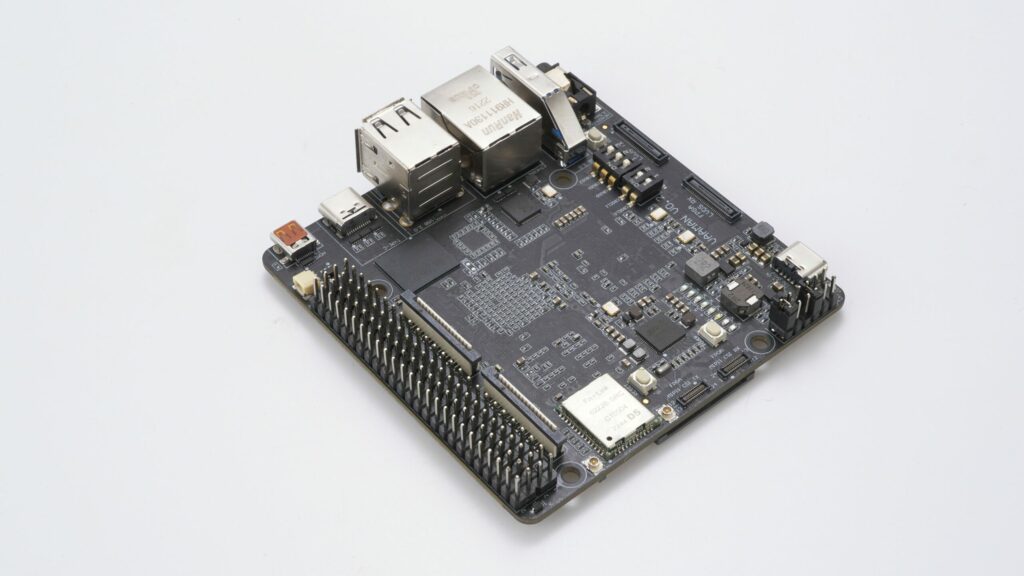
Vaaman is an RK3399-Powered SBC with Efinix Trion T120 FPGA
The Vaaman is an RK3399-powered SBC that also includes an Efinix Trion T120 FPGA onboard. The RK3399 SoC can be used for powerful yet energy-efficient computing where as the Efinix Trion T120 FPGA can be used for customizable hardware acceleration. The board is powered by a Rockchip...
Continue Reading
IBASE Debuts ET981 COM Express Type 6 CPU Module
IBASE Technology Inc. , a leading embedded computing provider, debuts the ET981 COM Express Type 6 (3.0) CPU module. Designed to excel in industrial, medical, transportation, and edge computing applications, the ET981 harnesses the power of 13th Gen Intel® Core™ processors,...
Continue Reading






